Введение
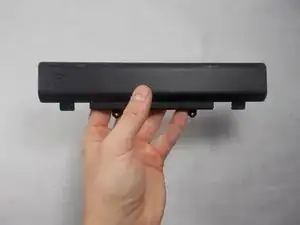
If the battery life is shortened, you may need to replace the laptop's battery. This guide will help you through this process.
Инструменты

-
-
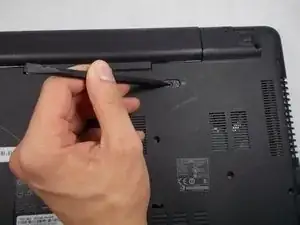
Flip the laptop over and locate the battery release switch.
-
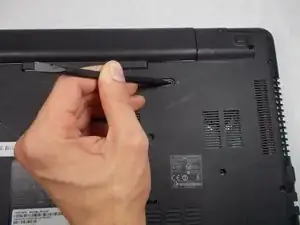
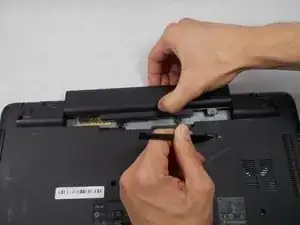
Insert the pointed end of the spudger into the battery release switch.
-
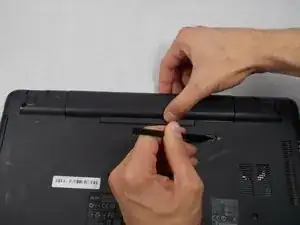
Push the battery release switch to the right.
-
-
-
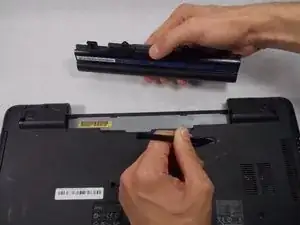
While the battery release switch is pushed to the right, carefully slide the battery out of its socket.
-
Заключение
To reassemble your device, follow these instructions in reverse order.
