Введение


-
-
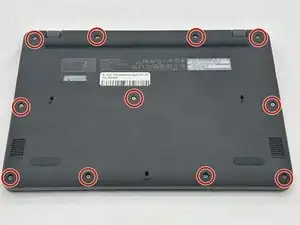
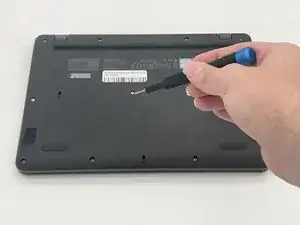
Remove the eleven 2.4 mm screws securing the back plate and internals of the Chromebook using a Phillips #1 screwdriver.
-
-
-
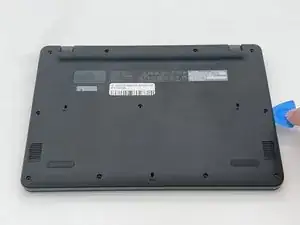
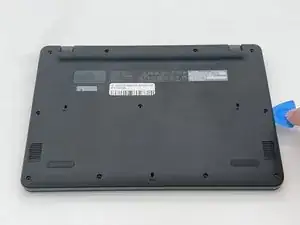
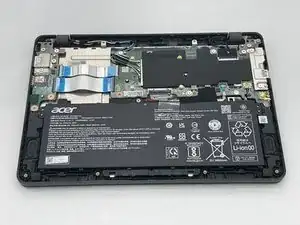
Use an opening pick to remove the backplate of the laptop revealing the internals of the Chromebook.
-
Заключение
To reassemble your device, follow these instructions in reverse order.