Введение
How to change the HDD / RAM (Service) Cover.
Инструменты

-
-
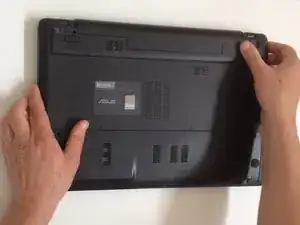
Switch off the Laptop and remove the Battery.
-
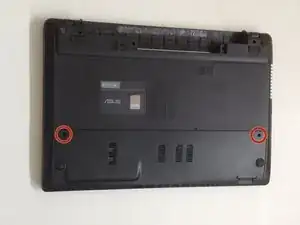
Remove two screws securing the HDD / RAM (service) cover.
-
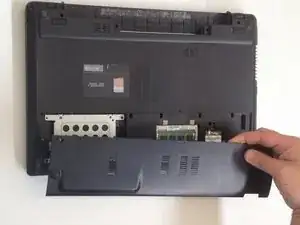
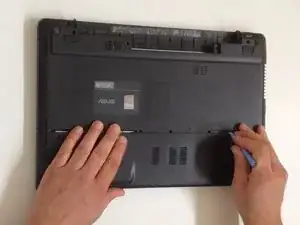
Remove the cover.
-
Заключение
To reassemble your device, follow these instructions in reverse order.