Введение
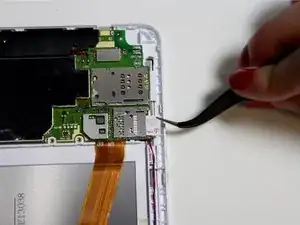
This guide will show you how to replace a SIM Card in the BLU Studio 7.0 II.
Инструменты


-
-
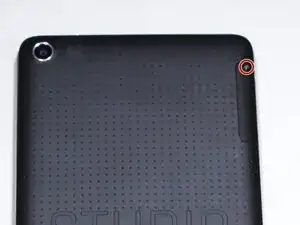
Remove the screw from the small panel on the back of the phone.
-
Remove the panel by sliding it straight out from the side of the phone.
-
Заключение
To reassemble your device, follow these instructions in reverse order.

Один комментарий
Why come my SIM Card comes out