Введение
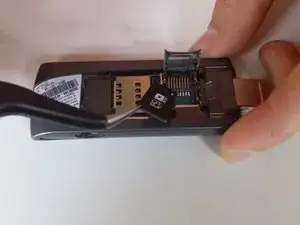
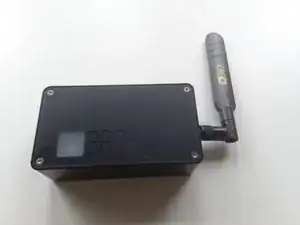
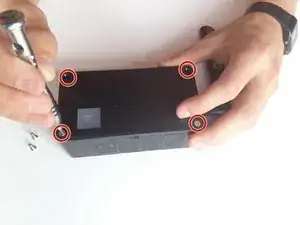
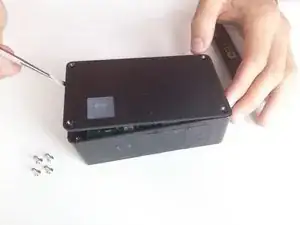
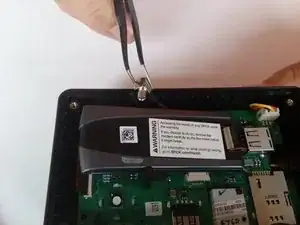
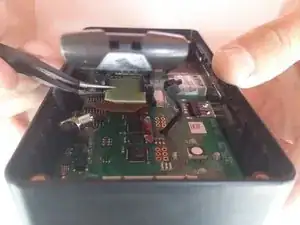
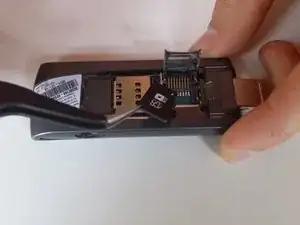
This guide will show you how to remove the top cover using a hex 2.0 head driver in order to access the modem and attached microSD card. With a pair of tweezers, you will be able to remove and replace the microSD card.
Инструменты

-
-
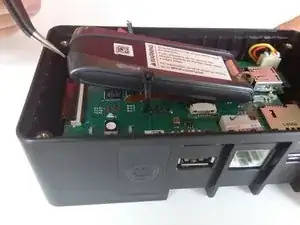
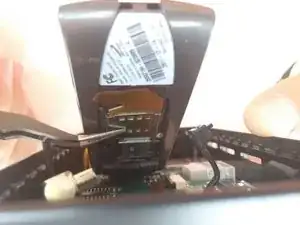
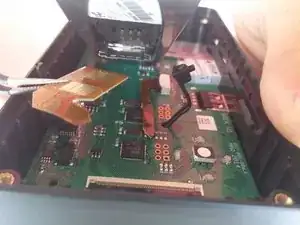
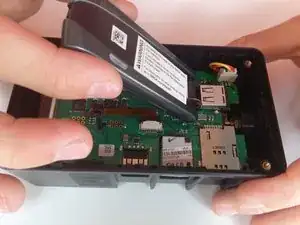
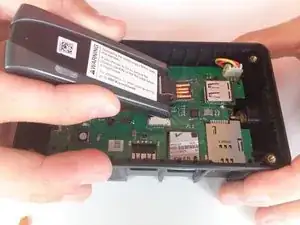
Slightly lift the modem to reveal the brown ribbon connector and metal connection plate, located on the bottom of the modem.
-




Заключение
To reassemble your device, follow these instructions in reverse order.

Один комментарий
Can my brck connect if it does not have the sim card and the SD card from the manufacturer?