Введение
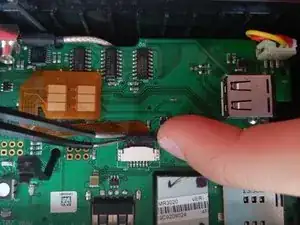
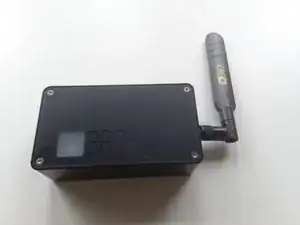
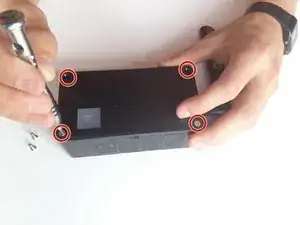
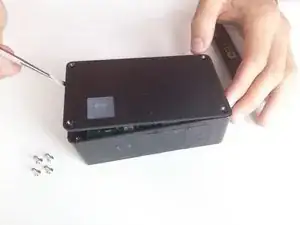
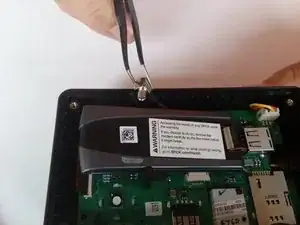
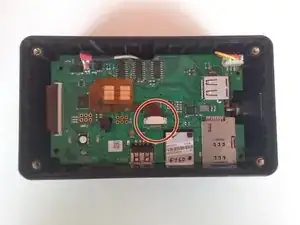
This guide will show you how to remove the top case of the device utilizing a hex 2.0 drive. This allows you to access the modem. Using a pair of tweezers, you can easily remove the modem and replace the ribbon connector located underneath.
Инструменты

-
-
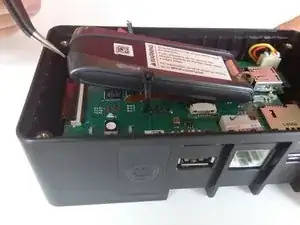
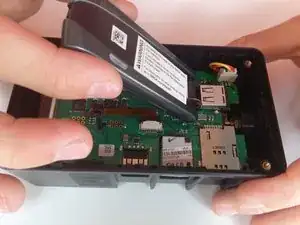
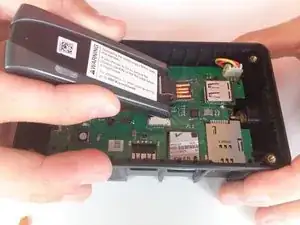
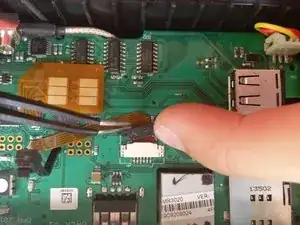
Slightly lift the modem to reveal the brown ribbon connector and metal connection plate, located on the bottom of the modem.
-
-
-
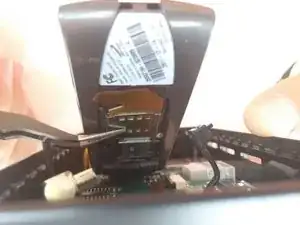
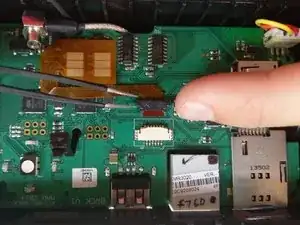
Using your fingers, apply equal force to each side of the black tab to loosen the connection.
-
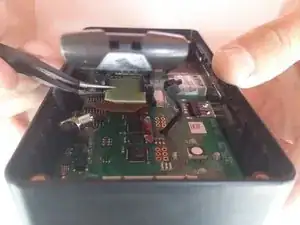
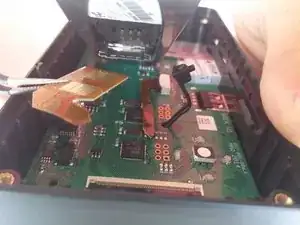
Slide the ribbon out from under the black tab.
-


Заключение
To reassemble your device, follow these instructions in reverse order.
