Введение
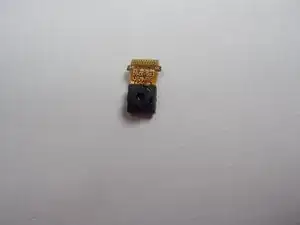
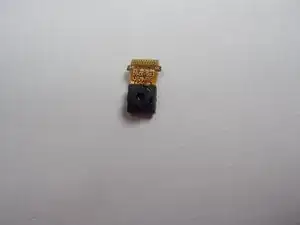
In this guide you will learn where the front facing camera is located in the Blu Studio 5.5 S, along with how to remove and replace it.
Инструменты


-
-
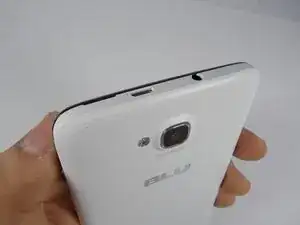
In order to remove the back case, start by flipping the phone to the back side and look at it from the top.
-
-
-
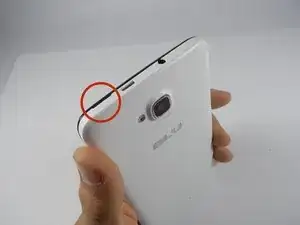
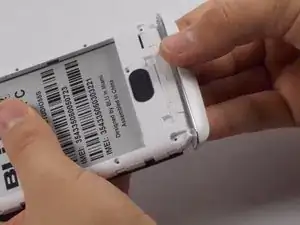
Place your finger in the small notch on the left side of the charging port (facing from the back).
-
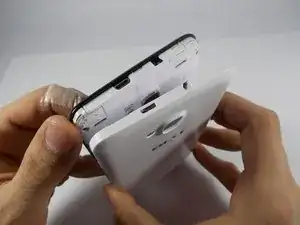
Once your finger is in the notch, pull the back case towards yourself to remove it.
-
-
-
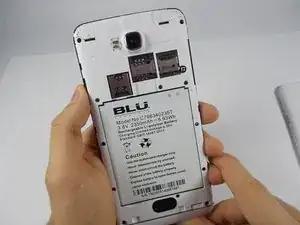
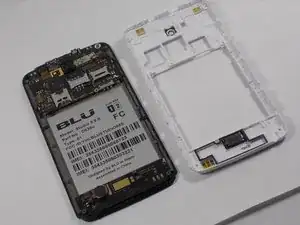
Once the back case is removed, locate the battery. It is the large brick embedded in the phone. It has BLU Products, a caution statement, and a barcode on it.
-
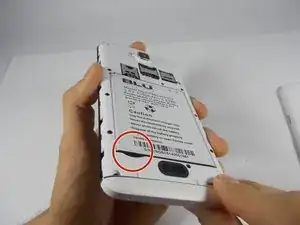
Insert your finger into the notch near the lower left of the battery, apply pressure and lift up.
-
-
-
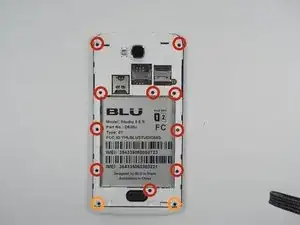
The speaker is located behind the inner back case. Using a Phillips #0 screwdriver, unscrew the 10, 7mm screws.
-
Using the Phillips #00 screwdriver, unscrew the two, 10mm screws at the bottom.
-
-
-
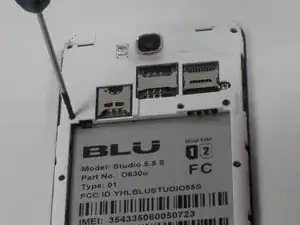
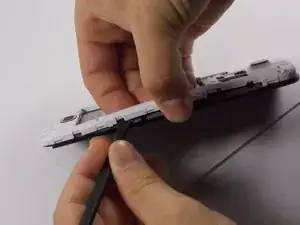
Use the Spudger to pop the inner back casing off. Do this by lightly raising the side of the battery housing, then sliding the Spudger around the case.
-
Pick up the inner back case and flip it over.
-
-
-
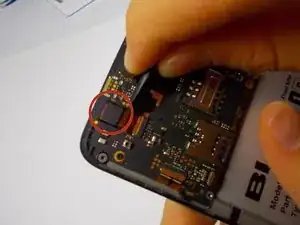
The frontward facing camera is located in the top left of the phone. It is connected to the motherboard by a ribbon connector, and a prong system.
-
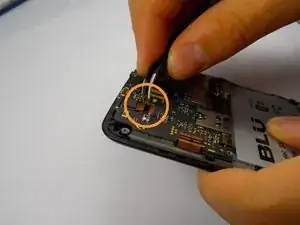
Use a spudger to detach the front facing camera by flipping the orange tab on the top of the prong system.
-
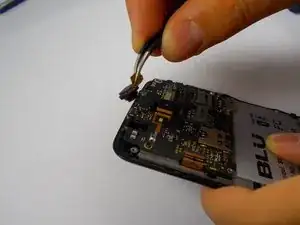
Once the orange tab is up, pull out the orange ribbon wire.
-



To reassemble your device, follow these instructions in reverse order.
