Введение

This guide will show you the steps necessary to deconstruct and replace the circuit board for this part.

  1. tDigfsEeVQbOVlg3
    tDigfsEeVQbOVlg3
    ZaMWuZQQFGfPBKFf
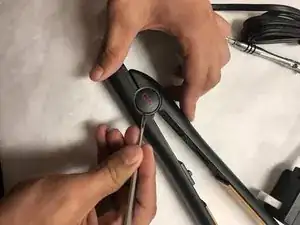
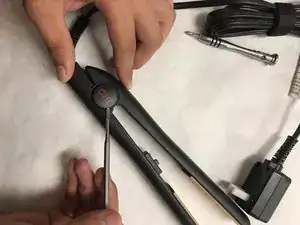
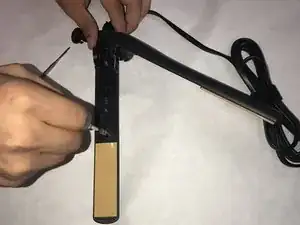
    • Insert a nylon or metal spudger under the plastic CHI spring covers. Pry them up to pop them off. Do this for each side.

    Where do I find a new power cord?

    ElenaStar* -

  2. avJYviL4BpyGGlYi
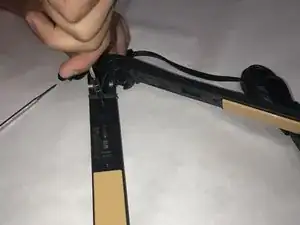
    • Remove the .53" long screw from the hinge pin.

    This picture is out of order

    fixitman -

    You should only have to remove the back two screws and not any screws near the switch.

    fixitman -

  3. sjSYUh5nlweGcwII
    • Remove the hinge pin.

  4. 5vpo3NKpFQmeGFcT
    • Separate the two halves of the CHI Original.

  5. SYakb6HZZAFLRWyv
    SYakb6HZZAFLRWyv
    BUBiIZ1mTsMHsK1O
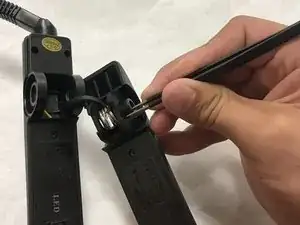
    • Remove the spring pin with a pair of pliers or tweezers.

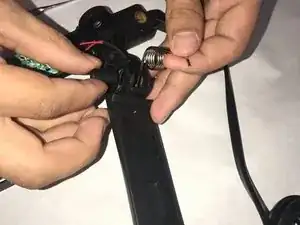
    • Remove the spring.

  6. YlULE4kJksfErAnK
    YlULE4kJksfErAnK
    sIZRMu4BAO5gAwhL
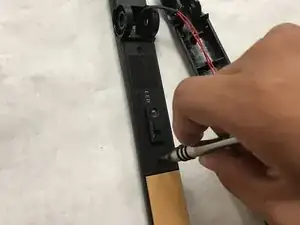
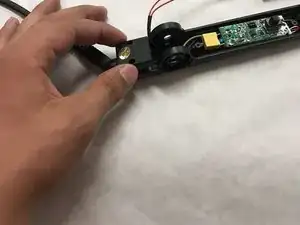
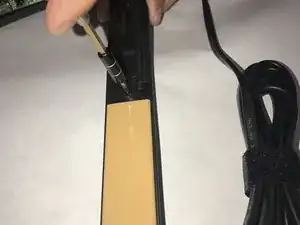
    • Remove (2) .31" Phillips head screws from back cover.

    • Remove cover.

  7. acgSZUWiWNUmIRXw
    • Gently pull upwards on the connection point and disconnect the power cord.

  8. 23mJgJUTk3XIMlCD
    23mJgJUTk3XIMlCD
    PeecEDCoUyDbYAXd
    2TYvyGTbj4aDvOMO
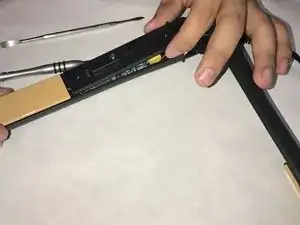
    • Remove the (2) .27" Phillips head screws on each half of the CHI Original.

  9. n1gmuvWlRjYwC4XS
    n1gmuvWlRjYwC4XS
    bhYDXnByylUCe152
    V2a5FuG22F4tITZi
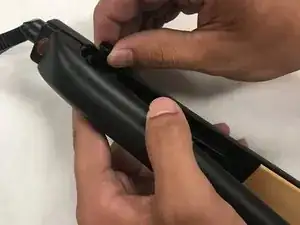
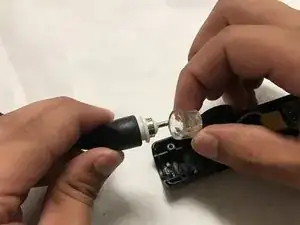
    • Remove the covers on both halves.

  10. ENAAboGSa3UfGWFx
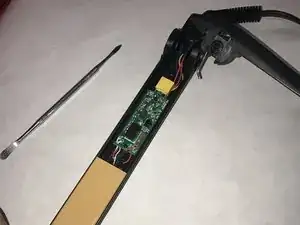
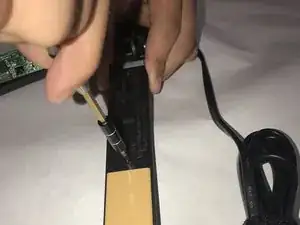
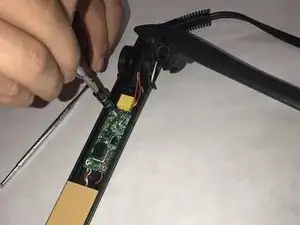
    • Remove (2) .15" Phillips screws from the circuit board.

  11. QWKOuQAEWODKysBS
    QWKOuQAEWODKysBS
    FN5GgmQaEoqsCU2Z
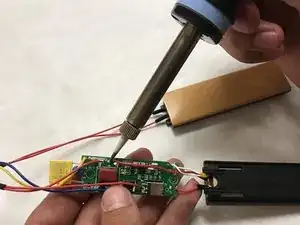
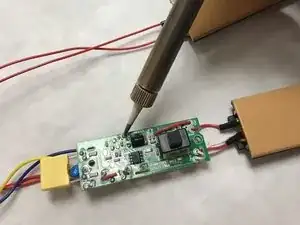
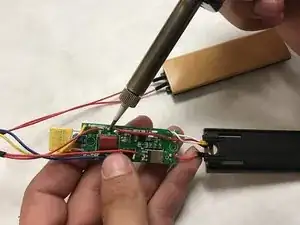
    • Desolder all points of contact between the circuit board and wires on the ceramic heating elements.

Заключение

To reassemble your device, follow these instructions in reverse order.

Eric Knigga

Участник c: 23/08/17

233 Репутация

Один комментарий

I used most of this guide through step 10 after dropping this in water; I didn't take out the power cord. I left the partially disassembled straightener in a container with desiccant overnight to remove the moisture. There was some corrosion on the switch that prevented the device from turning off that I cleaned up with isopropyl alcohol . I confirmed the switch behavior before and after cleaning with a multimeter to check continuity. On my device, the contact closest to the heating element was supposed to be disconnected from the other two contacts when off; when on, they were all showing contact. Before cleaning, there was continuity between all contacts. Thanks for the guide.

bnh8 -