Введение

Learn how to effectively replace the switch of your Comfort Zone CZ6C

  1. oAt4cSBRSQBQSxG1
    oAt4cSBRSQBQSxG1
    2kORk1sbTFBgegLV
    2BxIGnT5PYDkhWCE
    • Make sure to unplug the Comfort Zone CZ6C before cutting any wires.

    • Before replacing your switch, learn how to solder using the How To Solder and Desolder Connections Guide.

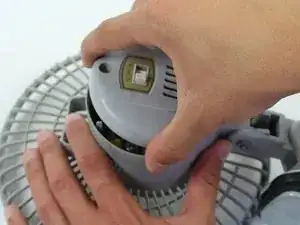
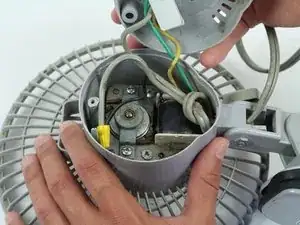
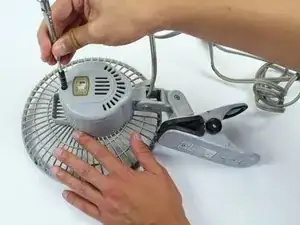
    • Start with the fan on its back. Unscrew the back panel to expose the internal wiring.

  2. tOLxJhKbBERxYJoW
    tOLxJhKbBERxYJoW
    mpTpwUVVTluTduUp
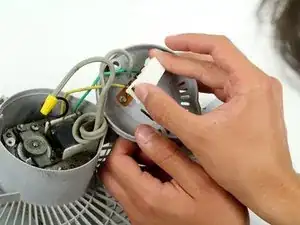
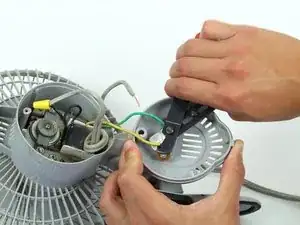
    • Remove the plastic cover on the switch by pulling it apart from the the back panel.

  3. PZGHCaT5mHYvZLXo
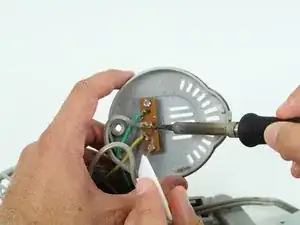
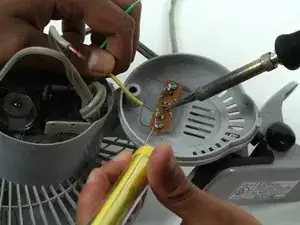
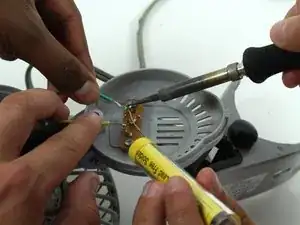
    • Use the soldering iron with caution. Don't touch the tip of the soldering iron to avoid the risk of injury.

    • This step can be made easier with the help of a partner to hold the wiring while you desolder the connection.

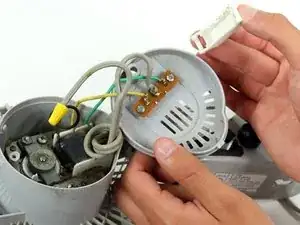
    • Disconnect the gray power wire from the switch by desoldering the connection.

  4. 4ZC4qf2blYXOZyC4
    4ZC4qf2blYXOZyC4
    j4QoypZgXWKlxYFG
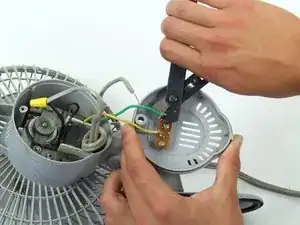
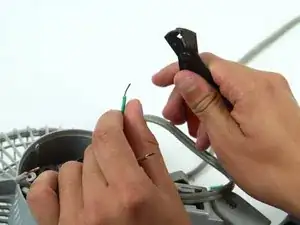
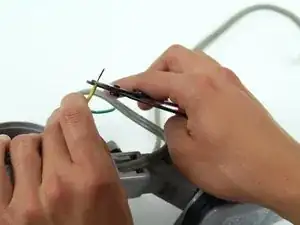
    • Cut the green and yellow wire as close to the switch connection as possible.

  5. hIlUDeD5DvMD2PRg
    hIlUDeD5DvMD2PRg
    sUggeItBnh4hVWgb
    ZAf6tZRJSSVjqMLK
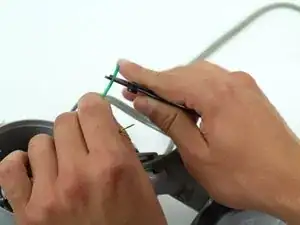
    • Strip the green and yellow wire about two centimeters from where it was just cut.

  6. 2FECSqrBwxPyZTON
    2FECSqrBwxPyZTON
    2nKKZGroNkaOxFmF
    ZDkVkDdewlVm4P65
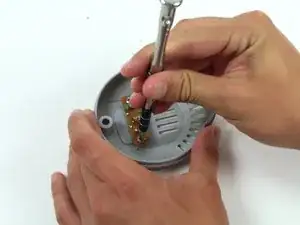
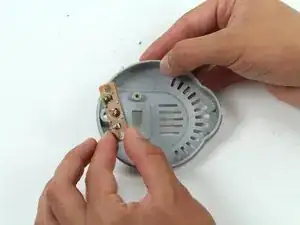
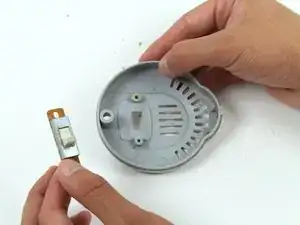
    • Unscrew the switch from the back panel and remove it.

  7. a4YBS5NLxRwdjlud
    a4YBS5NLxRwdjlud
    3E5BXmFfPZnLbMf1
    qPbJSFmQDNSJjjPE
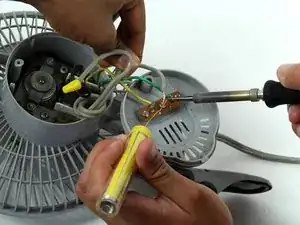
    • After replacing the switch, resolder the gray power cord, the green wire, and the yellow wire.

Заключение

To reassemble your device, follow these instructions in reverse order.

James Abundis

Участник c: 08/04/15

169 Репутация

Один комментарий

I need a replacement switch for a Comfort Zone CZ40 heater. Can you help?

Michael Drasic -