Введение
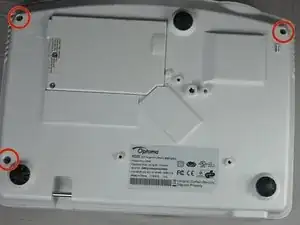
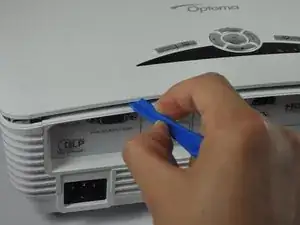
Use this guide to remove the cover from your Optoma HD20.
Инструменты


-
-
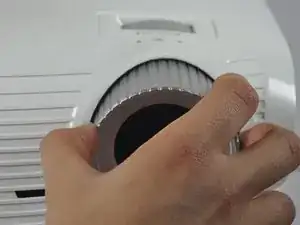
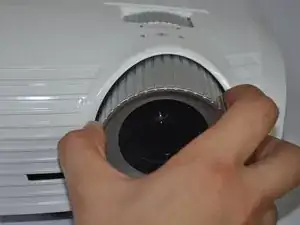
Twist the focal cap clockwise until it is fully extended.
-
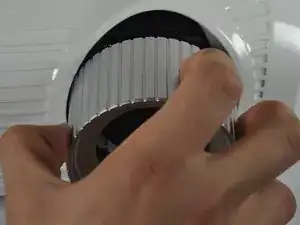
Remove the focal cap by pulling it straight out.
-
-
-
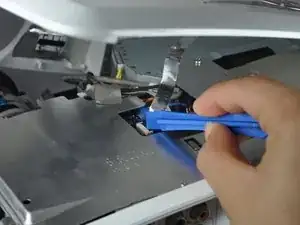
Remove the ribbon by disconnecting it from the main circuit board.
-
Lift up the clip holding it down and pull the ribbon out.
-
Заключение
To reassemble your device, follow these instructions in reverse order.

The pictures don't really do justice to how hard it is to pop the focal cap off. One actually has to pull pretty hard, I was afraid of breaking something, but it all worked out.
eislerzoltan -
you da best <3 ty for comment
Weyland Chiang -