Введение

This guide will allow you how to access the internal components of the device.

Инструменты

  1. HEXOAKwZeqSAkvao
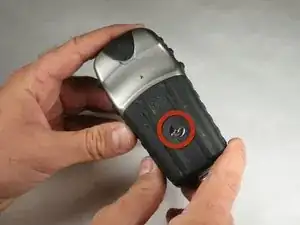
    • Flip the device to the backside, and locate the metal tab at the center of the back cover.

  2. h2M62JaoSRfIRGkA
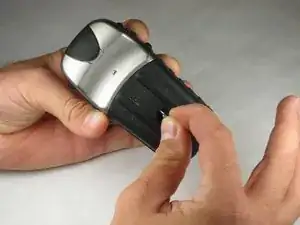
    • Lift the metal tab up, and rotate it counterclockwise. This will unlock the back case cover.

  3. 6gUIY1dtdp5I2Bnw
    6gUIY1dtdp5I2Bnw
    baFSCeRZV1YohWjM
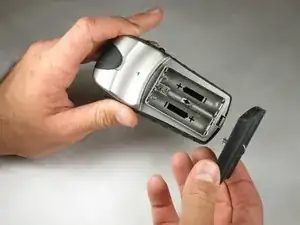
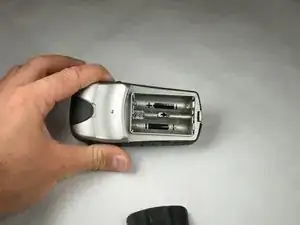
    • Lift the battery plate off to either insert or remove 2 AA batteries.

  4. MnSnnkXy5ZDU5Ovh
    MnSnnkXy5ZDU5Ovh
    IjC3MXC3M14ZELMT
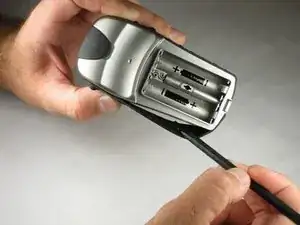
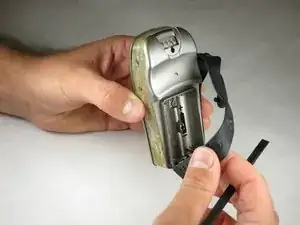
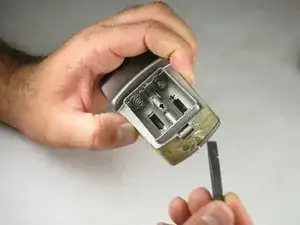
    • With the wedge side of a spudger (or a small, flat head screwdriver), remove the black rubber case support from the device body.

  5. kdSNfX2tsbcBfQFI
    kdSNfX2tsbcBfQFI
    QhJdRWX2VEIZd5RI
    iNsMAAmgHW4Hy56c
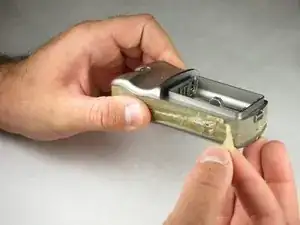
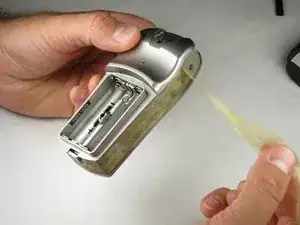
    • With the pick side of a spudger (or tweezers), peel the sticky tape from the device.

  6. XeL3FOMO4OdWqn4Z
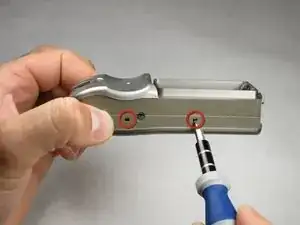
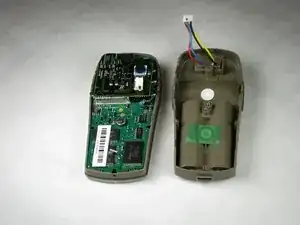
    • Split the front and rear panels by inserting a small pointed tool (such as a pen point or a screwdriver tip SL1.5) in the 5 plastic tabs along the sides of the device.

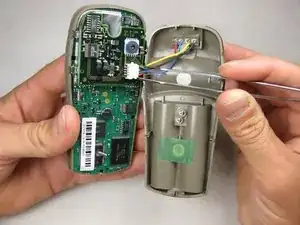
    • Do not remove the back panels quickly. If too much force is applied, there is a wire connection that will break.

    • CAUTION! Be careful not to force the tabs inward. This will result in broken tabs.

  7. FHUKWClKqHNKNkHy
    FHUKWClKqHNKNkHy
    kp3hBd2BOlRBndPj
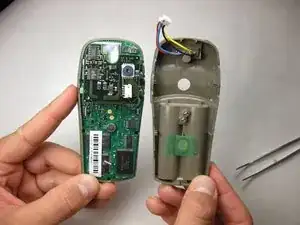
    • With tweezers (or your fingernails), carefully disconnect the wires between the PC input and the motherboard.

Заключение

To reassemble your device, follow these instructions in reverse order.

Ryan Green

Участник c: 17/10/10

93 Репутация

0 комментариев