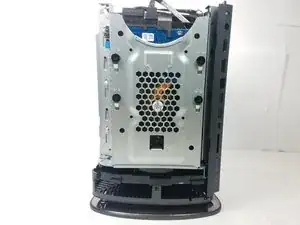
Введение
This guide will walk you through the steps required to obtain access to the hard drive and how to remove and install a replacement drive. Before starting make sure to have a pry tool, and a Philips screw driver handy. Make sure the device is completely powered off and disconnected from any power sources. Additionally remove any devices connected to the computer.
Инструменты


-
-
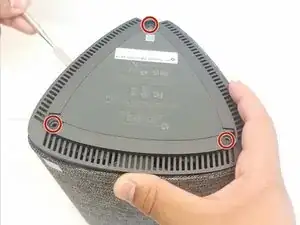
Turn the computer over and remove the rubber feet.
-
Remove the three 8mm Philips screws with a Philips #0 Screwdriver.
-
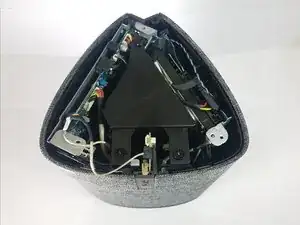
Use a pry tool and lift up on the lid.
-
-
-
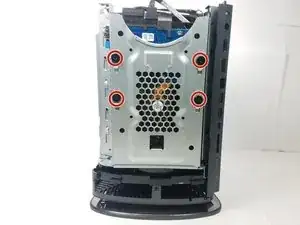
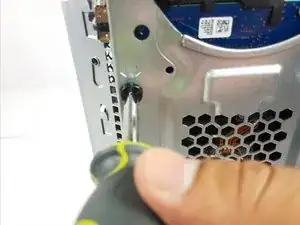
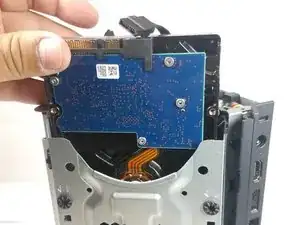
To remove the hard drive, remove the four 8mm Philips screws using a Philips #0 Screwdriver.
-
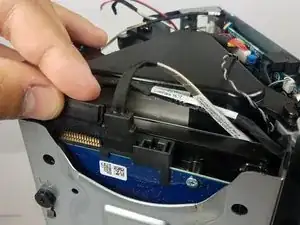
Remove Power and SATA cables from on top of the drive.
-
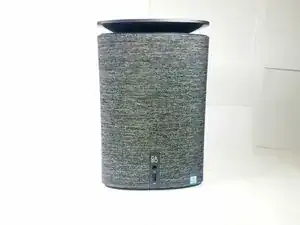
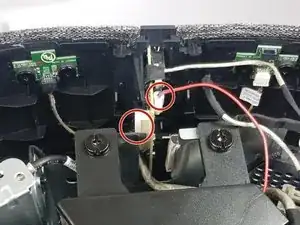
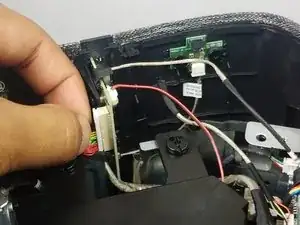
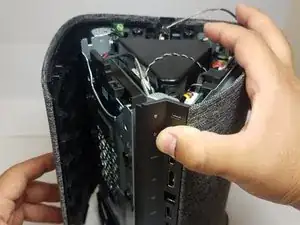
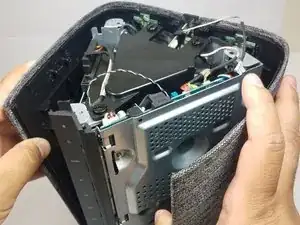
To reassemble your device, follow these instructions in reverse order.

2 комментариев
Hi there, can you advise whether this was the 128gb SSD or the other 2gb drive?
This model comes with a 3.5" 1TB HDD standard.