Введение
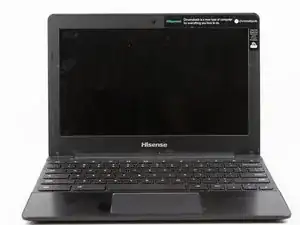
This guide shows you the easy process of removing your laptop's display screen.
Before attempting to remove the screen, please determine whether the problem stems from the device's hardware or from its software. Refer to the troubleshooting guide for details: Hisense Chromebook C11 Troubleshooting.
Инструменты


-
-
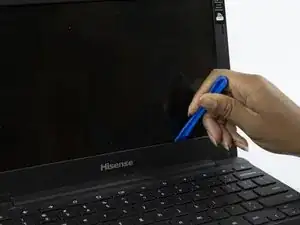
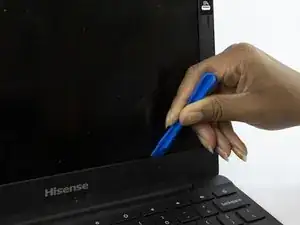
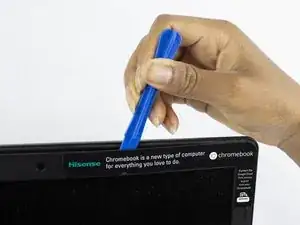
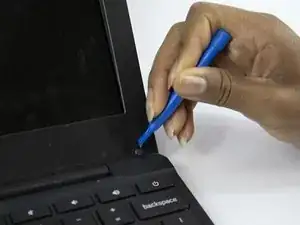
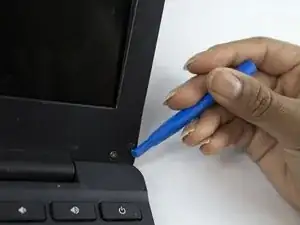
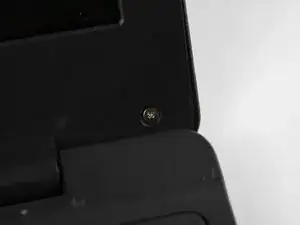
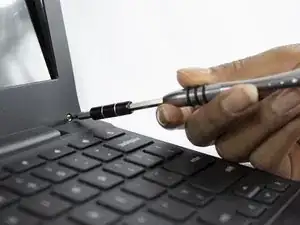
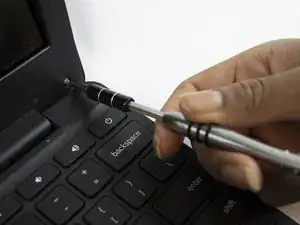
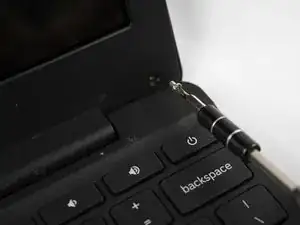
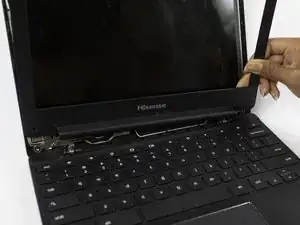
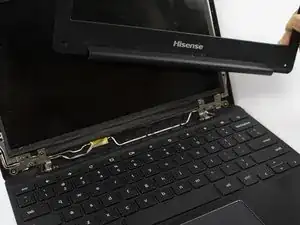
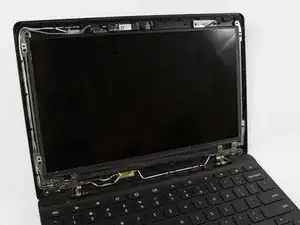
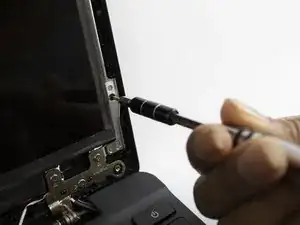
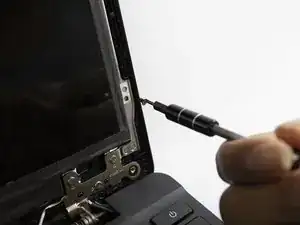
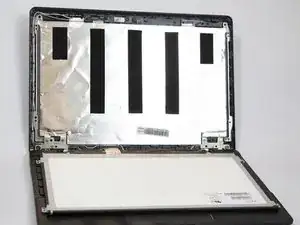
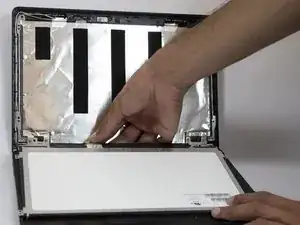
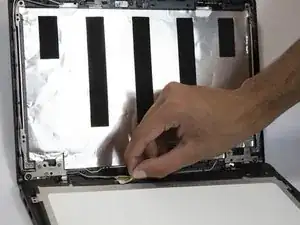
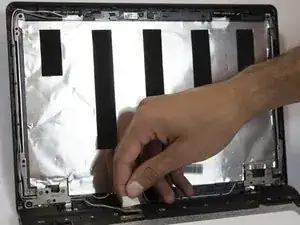
Unscrew the screen screws with the Phillips #000 screwdriver and set them aside. Be sure to support the screen protector in case it falls.
-

Заключение
To reassemble your device, follow these instructions in reverse order.