Введение
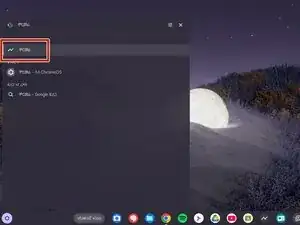
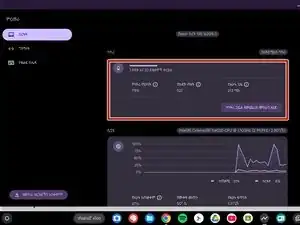
If you don't understand CROSH, an administrator has disabled it, or for any other reason, here is a simple guide to help you check your battery health without CROSH.
Disclaimers:
- The images shown may vary depending on chosen shelf position, language, theme, and more. Your Chromebook may not look exactly like mine during this process, but you should be able to tell if you're on the right track.
- My Chromebook's system setting is not English. You may not recognize some characters, but the process remains the same; it will simply appear slightly different for me.
-
-
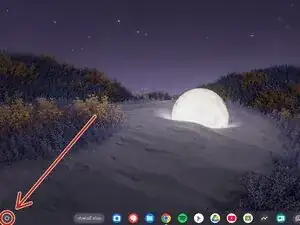
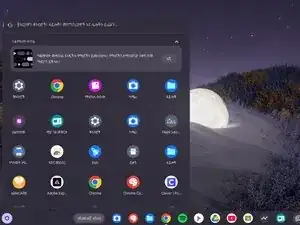
Click your launcher key (Magifying glass or circle, depending on model) or
-
Click the launcher button with your keypad (In the bottom left corner by default)
-
Заключение
You can follow these instructions anytime