Введение
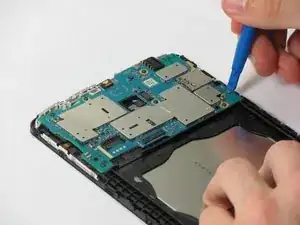
This guide will cover how to replace the motherboard on the LG G Pad F 7.0
Инструменты


Запчасти
-
-
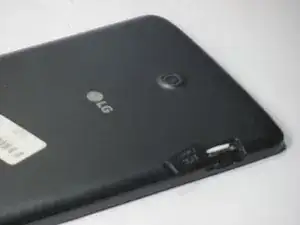
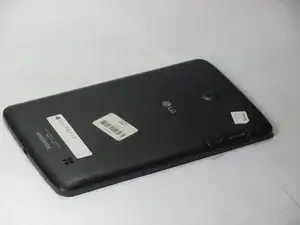
Open up the SIM port, on the top right corner (screen face down).
-
Press the SIM card (white plastic) to pop it out
-
Remove SIM card and set aside
-
-
-
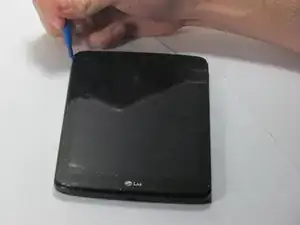
Use the plastic opening tool to pry the plastic backing off of the internal block. Start at the location with the SIM port to avoid damage to internal components.
-
Do this by finding the seam between the edge of the screen and the plastic backing, and prying between the two.
-
Work your way all the way around the edge of the screen, and remove the plastic backing when it is loose.
-
-
-
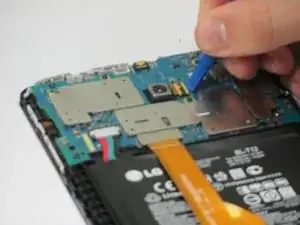
Use the plastic opening tool to pry up the ribbon cable connecting to the camera unit.
-
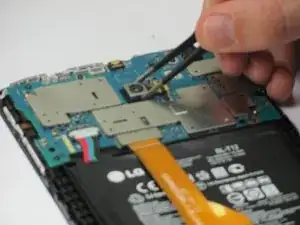
One the ribbon cable has been detached, use the tweezers to pull up the camera. It is attached with adhesive so pull up gently to remove it.
-
Once the old camera unit is removed, replace with new unit and reassemble in reverse order of guide.
-
-
-
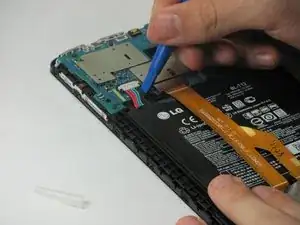
Use the plastic opening tool to pry the multicolor wire cables off, applying force up away from the tablet.
-
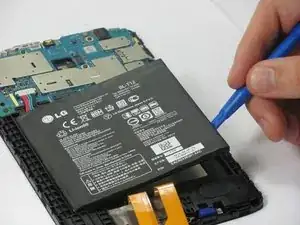
Use the plastic opening tool to pry up the battery. There is adhesive underneath the battery, so use a small amount of force. Work your way around the edge of the battery to pry it off.
-
-
-
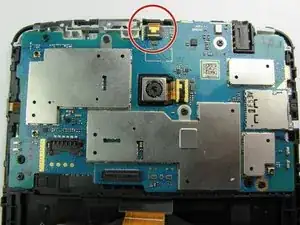
Locate the front facing camera ribbon cable attachment on the motherboard
-
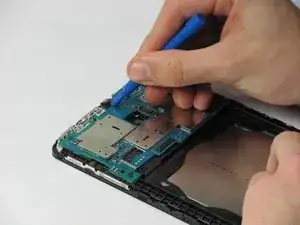
Use the plastic opening tool to pry up the ribbon cable connecting to the camera unit
-
Leave the ribbon cable disconnected.
-
-
-
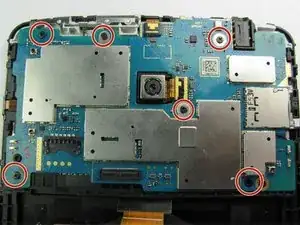
Locate the six Phillips head screws on the LG G Pad F 7.0 Motherboard
-
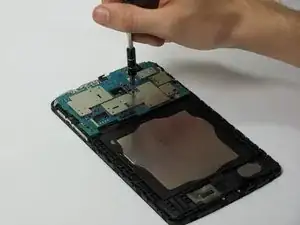
Use Phillips #0 Screwdriver to unscrew the six screws.
-

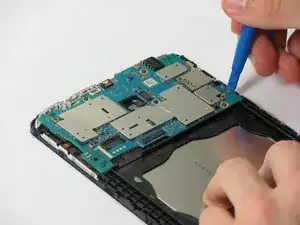
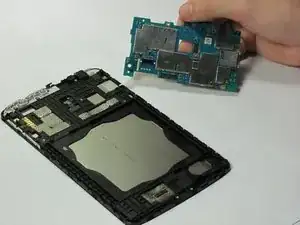
To reassemble your device, follow these instructions in reverse order.

Один комментарий
Some spelling errors but overall simple to follow