Введение
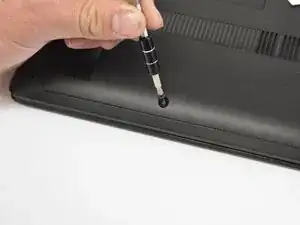
Many of the replacement guides for this model will be internal parts that are accessed by first removing the back access panel. Removing this part is very simple; the only tool needed is a small Philips screwdriver to remove three screws. Removing this part gives access necessary for future guides.
Инструменты

-
-
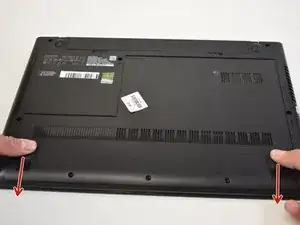
Slide the cover toward you to unlatch it.
-
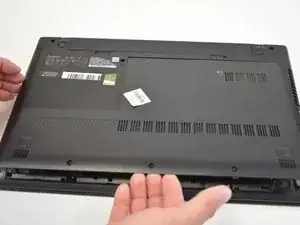
The edge of the panel will slide away from the laptop so it can be lifted.
-
Заключение
To reassemble your device, follow these instructions in reverse order.