Введение
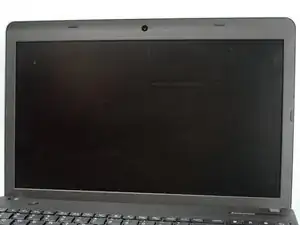
A guide on how to replace the scree on a Lenovo ThinkPad E540 laptop.
Инструменты


-
-
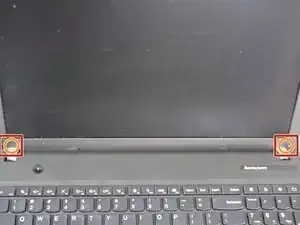
Remove the two stickers at the bottom corners for the screen to reveal the screws.
-
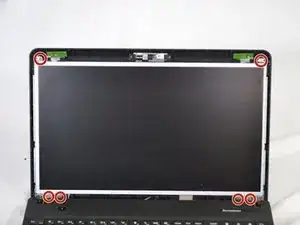
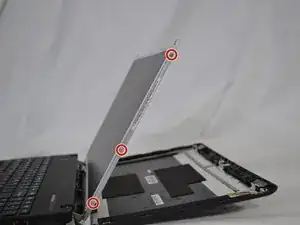
Remove the two 1mm Phillips #00 screws from underneath the stickers.
-
-
-
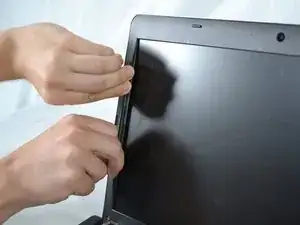
Slide your finger underneath the plastic and pry gently to release the clips around the display bezel.
-
-
-
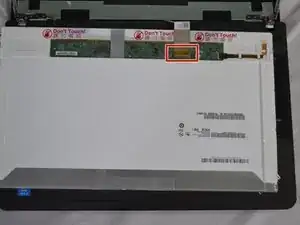
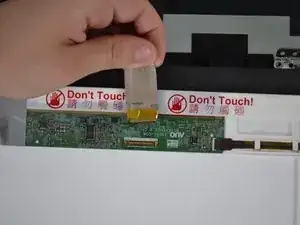
Remove the orange tape covering the display connector.
-
Disconnect the display's ribbon cable by lifting up the latch and flipping it over 180 degrees.
-

Заключение
To reassemble your device, follow these instructions in reverse order.
