Введение

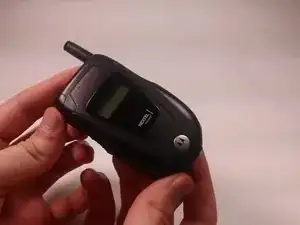
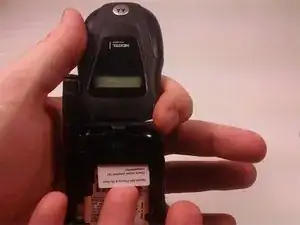
In this guide, the user will learn where the SIM card is and how to remove it.

  1. CQxMrv33UwUuaymA
    CQxMrv33UwUuaymA
    a2VKOyhT3xJlkAvt
    Gub4qiUEEg1VaRrS
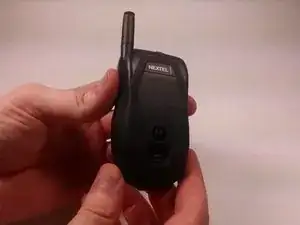
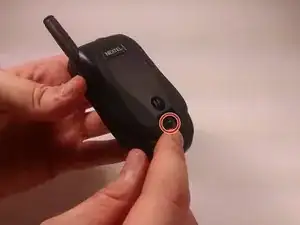
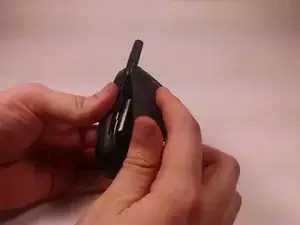
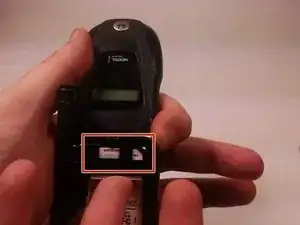
    • First flip the phone over.

    • Then find the back release circled in red.

  2. Du1eDP5GWuZMOaRJ
    Du1eDP5GWuZMOaRJ
    Pm6DbMESFVQBwON2
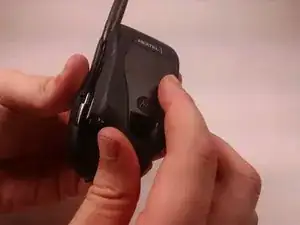
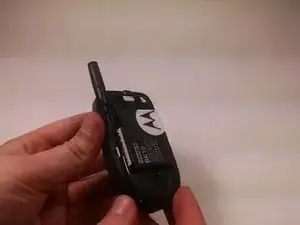
    • Carefully remove the back using the release.

    • Lift from the bottom!

  3. X1jidGctCDSxPTrD
    X1jidGctCDSxPTrD
    TiZlHH6YKOv1BAPX
    quPUKRlRKpqJBTAv
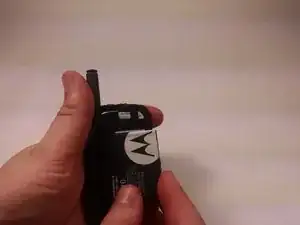
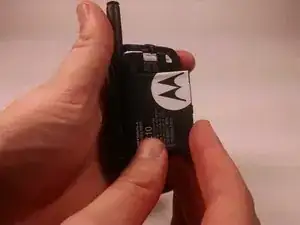
    • Lift the battery from the right side.

    • After the battery has lifted about a 45 degree angle remove from phone.

  4. 4QUR1imd3kUoOftP
    4QUR1imd3kUoOftP
    pfqmEXGkeNXwBT5U
    vj6NBTBS4jbFH4MC
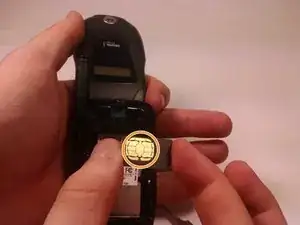
    • The SIM card is located here

    • Carefully push the SIM card down from the top with your finger

    • Make sure to hold card from sides and do not touch the marked spot on card

Заключение

To reassemble your device, follow these instructions in reverse order.

Austin Quinn

Участник c: 20/10/16

401 Репутация

0 комментариев