Введение
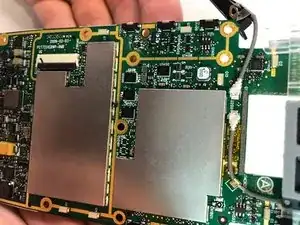
This guide will help the user to replace an old or faulty antenna. This will help to boost signal and connectivity in an aging or broken device. The antenna of the MC55 series is known to wear out with regular use and will fail to function regularly over time.


-
-
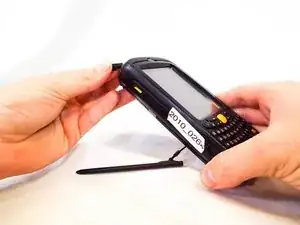
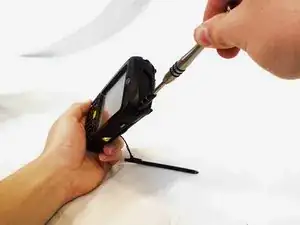
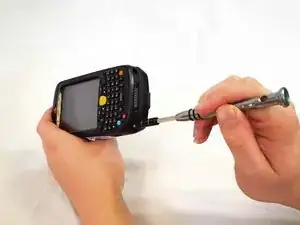
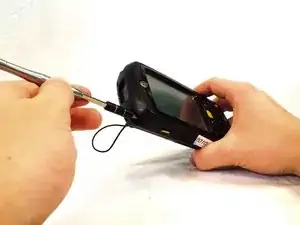
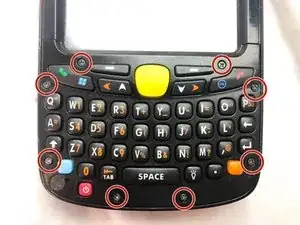
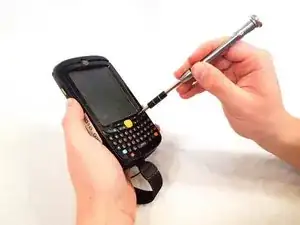
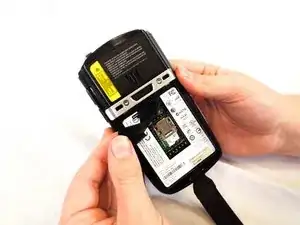
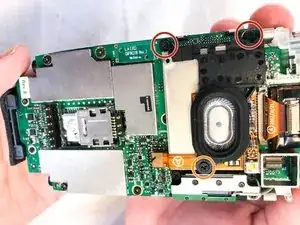
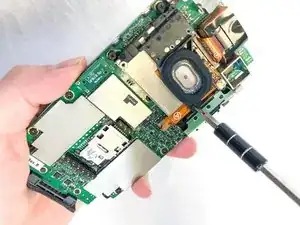
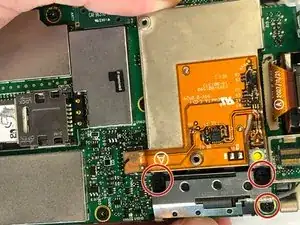
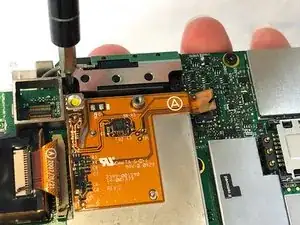
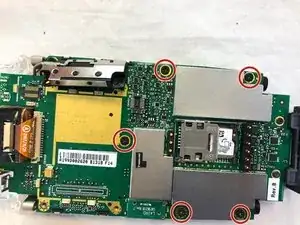
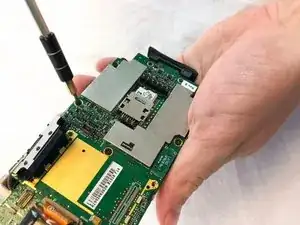
Remove the the 3mm Phillips #00 screws from the flex cable cover and antenna.
-
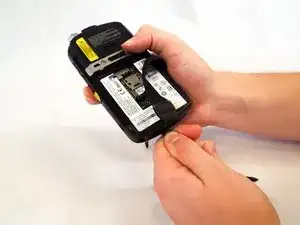
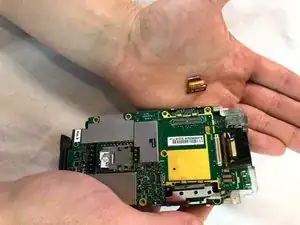
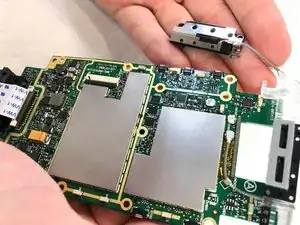
Remove the antenna.
-
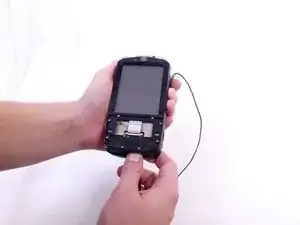
Remove the flex cable cover.
-
-
-
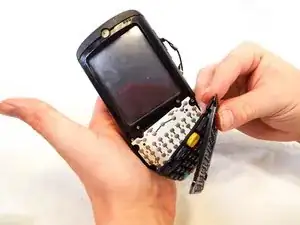
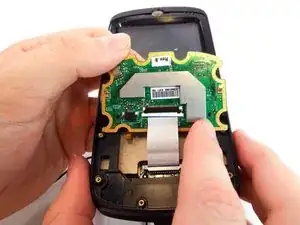
Flip open the motherboard and the LCD screen.
-
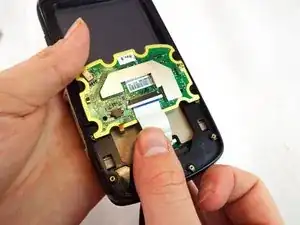
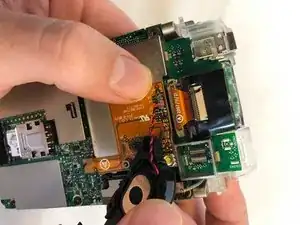
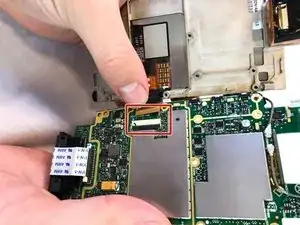
Open the LCD connector and remove the cable.
-
Pull the LCD Screen and its metal bracket apart.
-
-
-
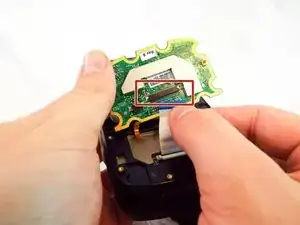
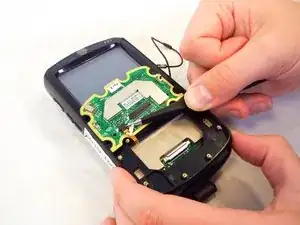
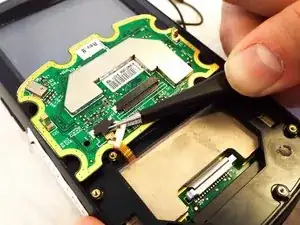
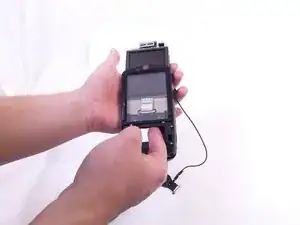
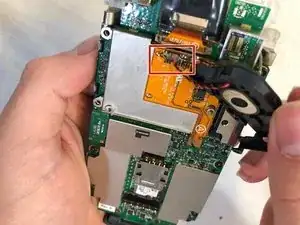
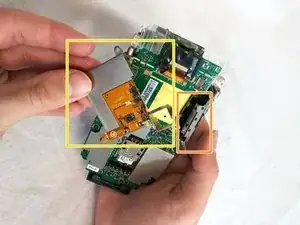
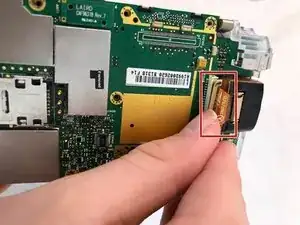
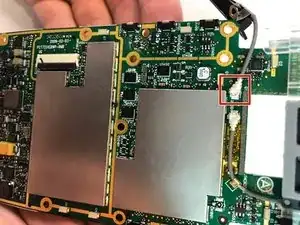
Remove the antenna connector (red box).
-
This is a snap-on connector, which can be removed by applying a gentle pull straight up from the motherboard.
-


Заключение
To reassemble your device, follow these instructions in reverse order.
