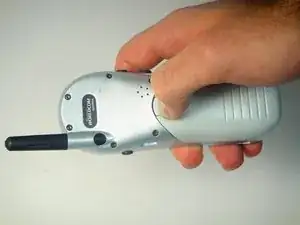
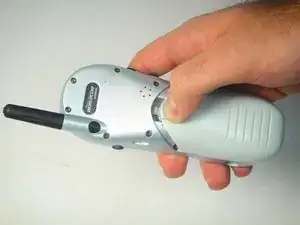
Введение

  1. ELLPOBKfJmQkCmwh
    ELLPOBKfJmQkCmwh
    QL4V1MxlT2lUeQlG
    1tQFNMS1nAUPIwLd
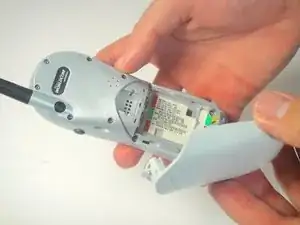
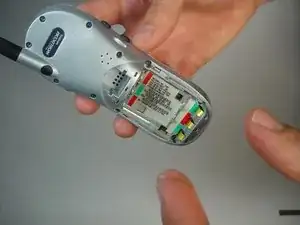
    • Press and hold the button on the battery cover

    • Pull the battery cover down and out to remove it

  2. S5PFeEib6w2XCWB2
    S5PFeEib6w2XCWB2
    JAySZe4PQwNgT3HF
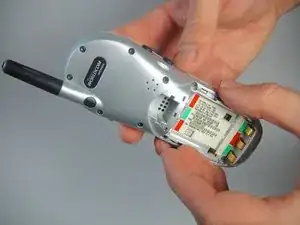
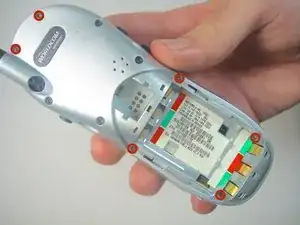
    • Remove the batteries by pulling them away from the phone

  3. fXSbZIxbBaoyYJ1p
    fXSbZIxbBaoyYJ1p
    rjhYxvUhjPxe5hqG
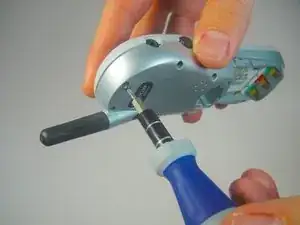
    • Using the Torx T4 screwdriver remove the six screws highlighted in the picture to the left

  4. 1JV6NNfSunmTRFRm
    1JV6NNfSunmTRFRm
    p3IBncNDvcXiwGYp
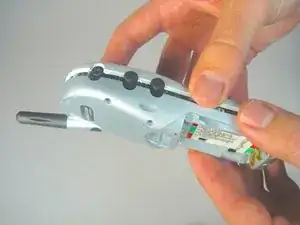
    • Use your fingers or a spudger to remove the back cover

  5. OdegryPPCR1WAFtK
    OdegryPPCR1WAFtK
    JnwsD2I2M4sldDlp
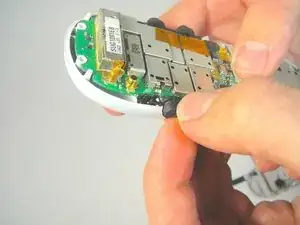
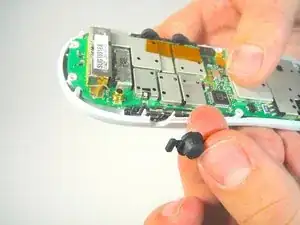
    • Lift and remove buttons by hand

  6. sSUkYKcCNXG1mFJg
    sSUkYKcCNXG1mFJg
    fivIw5NSHLJL3CQN
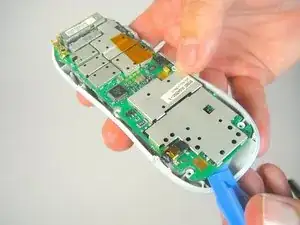
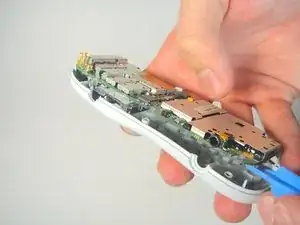
    • Place your plastic opening tool in between the motherboard and the front cover of the phone

    • Apply a small force to lift the motherboard away from the front cover

  7. BHwyVNuRZW2Q6QWR
    BHwyVNuRZW2Q6QWR
    1Ai2MgaJ3tC52FjT
    CAEdkkOVxNjlJ1S1
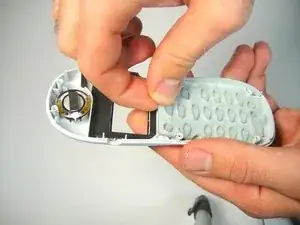
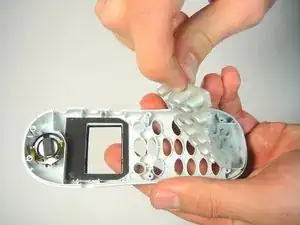
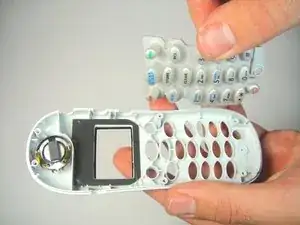
    • Grip the top of the rubber keypad with your thumb and index finger

    • While holding the keypad start to peel it back from the front cover until the keypad is completely detached

  8. DFxLfULixTVYvUdG
    DFxLfULixTVYvUdG
    DJgFob5nNOPaTNlP
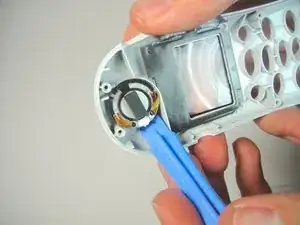
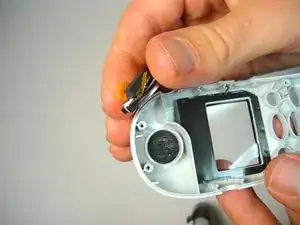
    • Use the iFixit opening tool to lift the speaker off the front cover.

  9. fWekIuTmOxcUxGKt
    fWekIuTmOxcUxGKt
    tsFraExKhKIGXavk
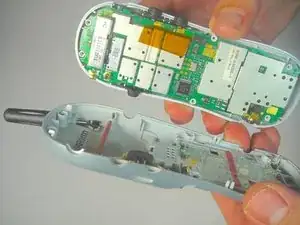
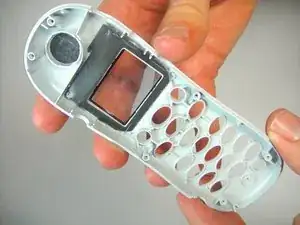
    • Once the motherboard, speaker, and keypad have been removed you should have the front cover by itself

Заключение

To reassemble your device, follow these instructions in reverse order.

Connor

Участник c: 14/01/15

201 Репутация

0 комментариев