Введение

Replace the speaker in the phone.

  1. VsX6HlY25WMlfMbT
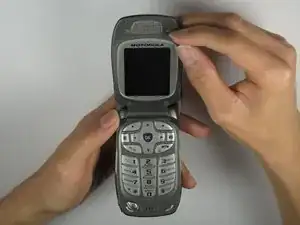
    • Open the flip cover of the phone with the LCD screen facing towards you.

  2. kwChLYH1LnPgfuKK
    kwChLYH1LnPgfuKK
    FJ2Q4OB3gR3EnuJV
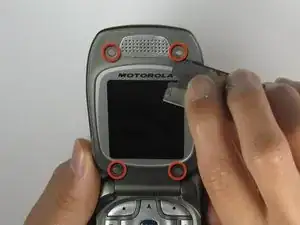
    • Use a Razor Blade to remove the screw covers.

    • Razor Blade is very sharp. Use caution.

  3. iU2jiPNEWGoFHLGh
    • Unscrew the screws using a Phillips #00 Screwdriver.

  4. LchiNqvVmVeZI12W
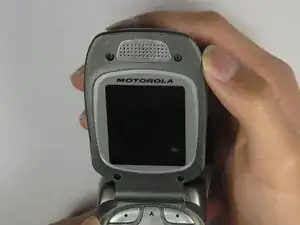
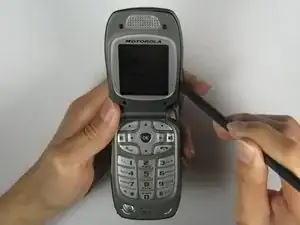
    • Insert a Spudger into the side crack of the flip cover and slowly separate the phone cover from the case.

  5. EcfLWVQnAEWj1XRY
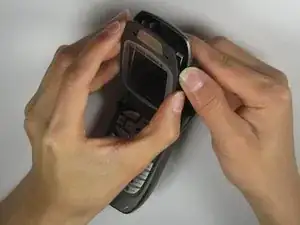
    • Gently separate the flip cover case from the phone with your hands when the crack is wide enough.

  6. LKx4iwFj6oZjslxX
    • Partially close the flip cover of the phone in order to take off the outer case.

  7. 2aZJHlQAorqjyXTf
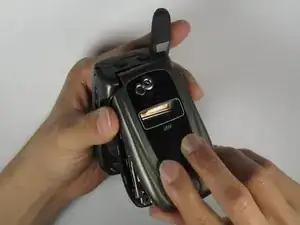
    • Completely remove the outer casing from the phone.

  8. VPVmEtYoWRWH6CEE
    VPVmEtYoWRWH6CEE
    GYwARM3XVFSXWspF
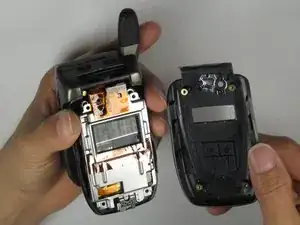
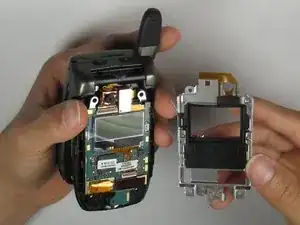
    • Place your thumb underneath the protective metal covering to remove it from the phone.

  9. 1YLZwZQZHnxOfRna
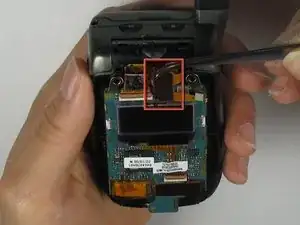
    • Gently detach the black microchip from the phone with a Tweezer.

  10. BnWkvAfyX6sRBNE5
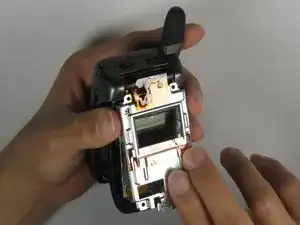
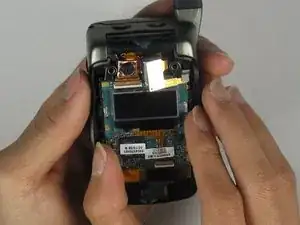
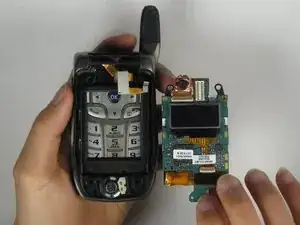
    • Prop out the LCD board from the phone using your fingertips.

  11. 4fBUYexGJ4rjlW4t
    4fBUYexGJ4rjlW4t
    ivhYrLQ1CHDHcSEU
    • Remove the LCD board from the phone by grabbing the bottom side of the LCD board.

  12. LQOPxnnQxxJWqMWs
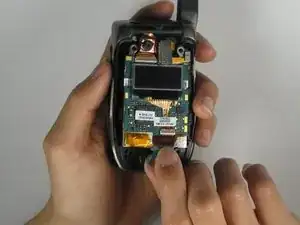
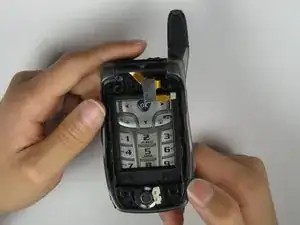
    • Use a flathead screwdriver to gently remove the speaker.

  13. VrCFcKFXAeVQhZ2v
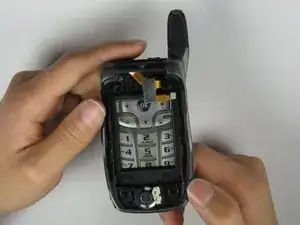
    • Insert the new speaker into the phone and it should look like the image at left.

Заключение

To reassemble your device, follow these instructions in reverse order.

Kevin Dermody

Участник c: 08/04/10

1 Репутация

0 комментариев