Введение

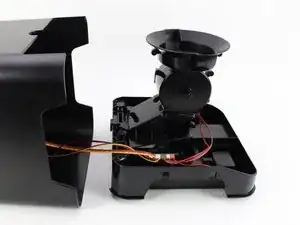
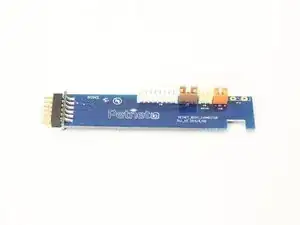
Use this guide to replace your 12 pin connector if it is damaged and does not charge properly. When replacing the component, use a Phillips #1 screwdriver and iFixit Opening Tools to proceed with the replacement.

  1. FlNLZDW2fCTDN4mY
    FlNLZDW2fCTDN4mY
    BgFghMKEtwhcqUGV
    I2RVWFEYUOK2AYKR
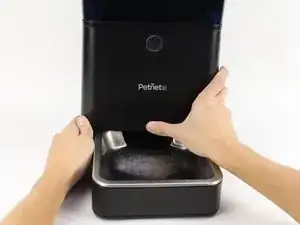
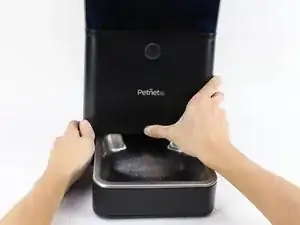
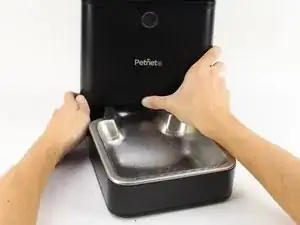
    • Eject the SmartBowl by pressing the button located at the front of the SmartFeeder base.

  2. KFhDhvRTpODEMOk4
    KFhDhvRTpODEMOk4
    sqWiQIulonmABwLm
    KlajhOgYBEKnklh5
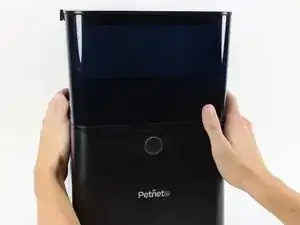
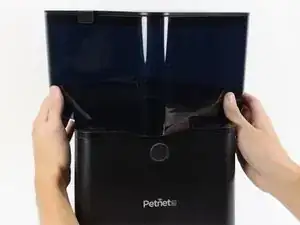
    • Remove the food tub by twisting it counter-clockwise with both hands and lifting it up.

  3. nUjgOTHDCspyYunL
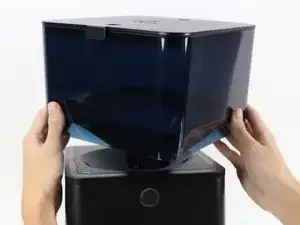
    • Remove the black plastic gasket from the top of the SmartFeeder by placing your fingers on the side of it and lifting up.

    • It should come off easily.

  4. TcfnWfwbcAUcmxbe
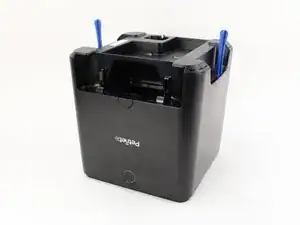
    • Flip over the SmartFeeder by using both hands.

    • Partially open the outer case of the SmartFeeder by wedging an iFixit Opening Tool on each side.

  5. p1IQ4HekH2LrGoS4
    p1IQ4HekH2LrGoS4
    fcBTQ2ScCKdWYQAo
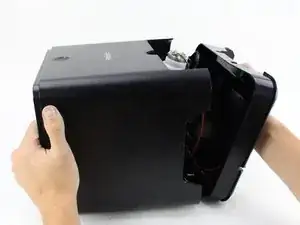
    • Turn the SmartFeeder on its side and with one hand on the base, carefully pull out the central section.

    • Place the bottom piece of the device right-side up.

  6. yTmjgAAcdB6fNdaw
    yTmjgAAcdB6fNdaw
    3xPZhg3eQi24RtWO
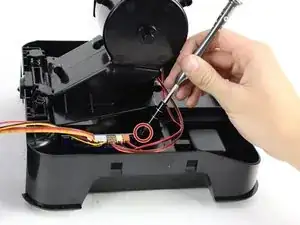
    • Remove one 10 mm screw by using the Phillips #1 screwdriver.

    • Remove the plastic retaining piece for the daughterboard by pulling it out with one hand.

  7. nBbEyMyK13FPWcGu
    nBbEyMyK13FPWcGu
    nn1XyFXT6YELmuZ2
    Pg4SSbhPLXpE6XVP
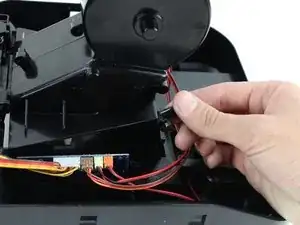
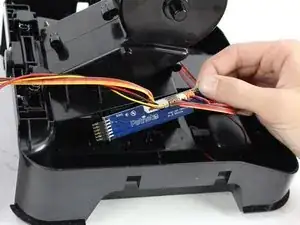
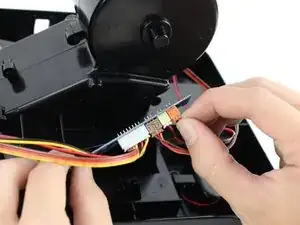
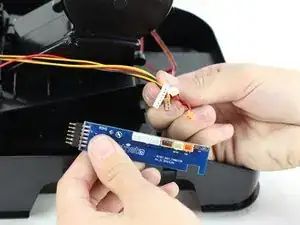
    • Pull the daughterboard out of the device and remove the three-prong connectors by using your hands.

    • Hold onto the sockets on the motherboard or you could accidentally pull off the entire assembly.

Заключение

To reassemble your device, follow these instructions in reverse order.

Ashley Kim

Участник c: 08/10/18

187 Репутация

0 комментариев