Введение
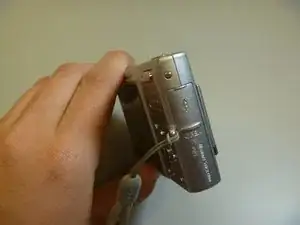
The memory card port is located with the battery port. This guides helps the reader to install a new memory card, needed to store pictures taken.
-
-
The memory card cover is located on the right side of the camera.
-
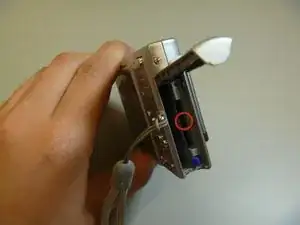
Slide the cover to expose the memory card slot
-
-
-
Ensure that the memory card lines up properly with the slot in the camera.
-
Slide memory card in.
-
Slide cover closed.
-
Заключение
To remove the memory card, follow these instructions in reverse order.
