Введение
The battery of the VAIO VGN-FW590 allows the laptop to remain working when not plugged into a power point. Replacing the battery pack is not complicated and you should be able to replace it easily.
Запчасти
-
-
Turn the computer off, close the LCD screen, and insure the computer is unplugged from any outlet.
-
Turn the computer over so that the bottom of the computer is facing up and the "screen swivels" (DC in port and On button) are facing away from you.
-
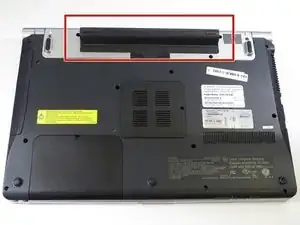
Locate the battery pack between the two "screen swivels" at the top of the computer back.
-
-
-
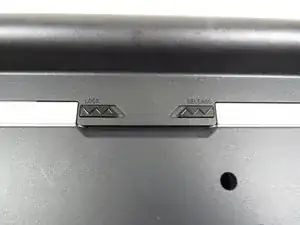
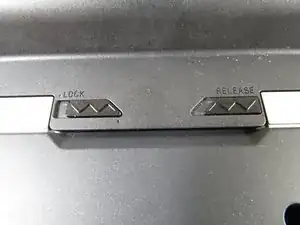
Locate two sliding release switches below the battery pack.
-
Slide the "Lock" release to the right toward the center of the computer.
-
Slide the "Release" switch to the left, toward the center of the computer. It must be held in place because it is spring loaded.
-
-
-
While holding the "Release" switch toward the center of the computer, press on the raised portion of the battery pack away from you. The battery pack will pop up.
-
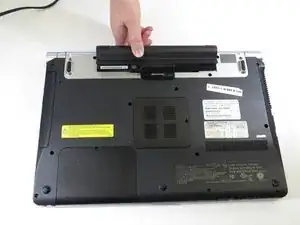
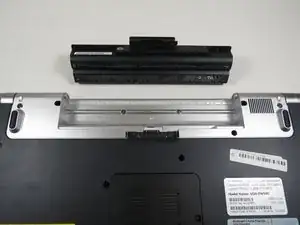
Once the battery pack has popped out of its compartment, lift it out of the computer.
-


To reassemble your device, follow these instructions in reverse order.
