Введение
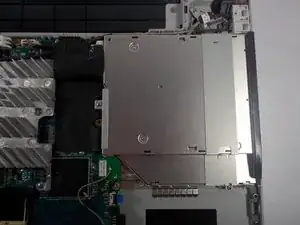
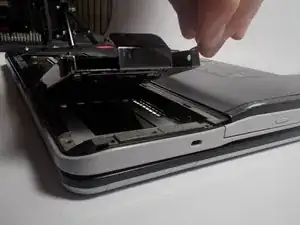
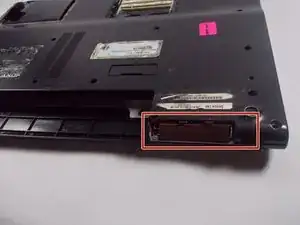
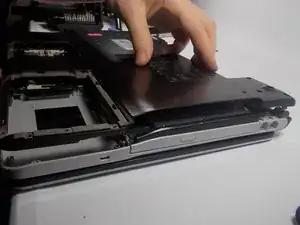
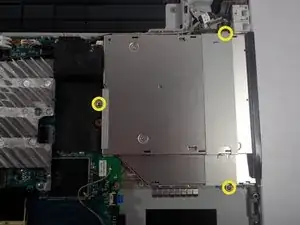
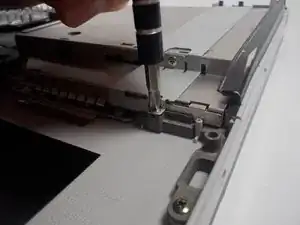
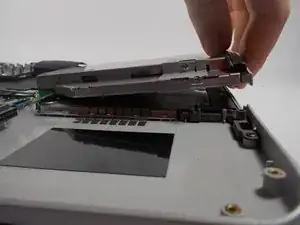
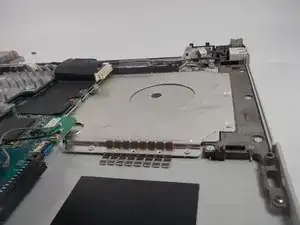
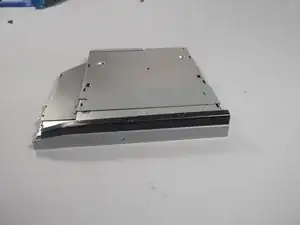
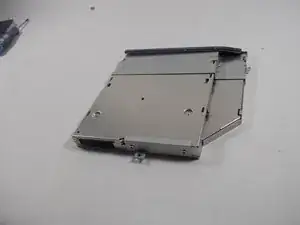
This guide will instruct you how to remove and replace the disk drive in your Sony Vaio VGN-FS640.
Инструменты

Запчасти
-
-
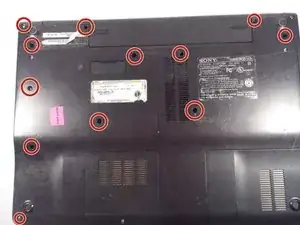
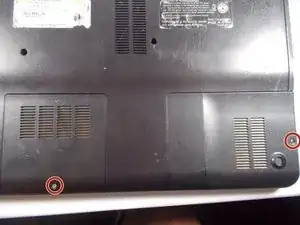
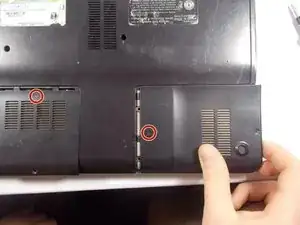
Remove the highlighted screws from the panels in the bottom right-hand corner of the laptop using the Phillips #0 Screwdriver.
-
-
-
Remove the two panels in the bottom right-hand corner by sliding in the direction of the arrows imprinted on the panels.
-
-
-
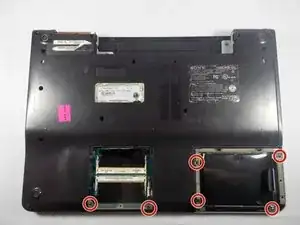
Remove the highlighted screws underneath the removed panels using the Phillips #0 Screwdriver.
-
-
-
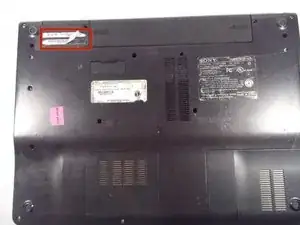
Locate the battery, located on the top side of the laptop to the right of the Service Tag .
-
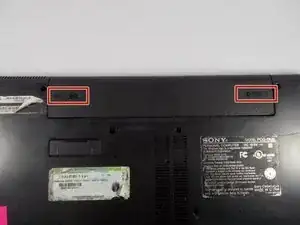
Remove the battery by pressing inwards on the tabs on either side of the battery.
-
Заключение
To reassemble your device, follow these instructions in reverse order.
