Введение
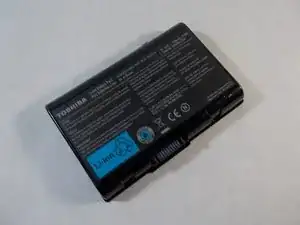
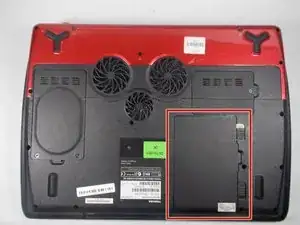
When the charger light won’t turn on when plugged into a power source this means that the battery may need to be replaced. This guide will provide the proper instructions to replace it.
-
-
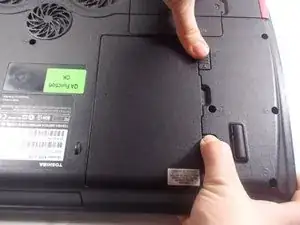
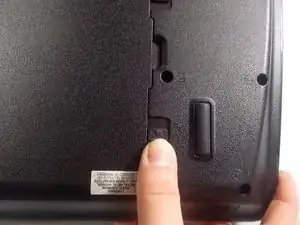
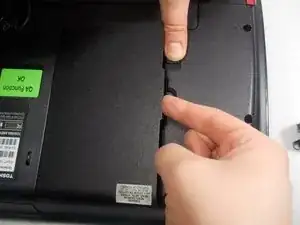
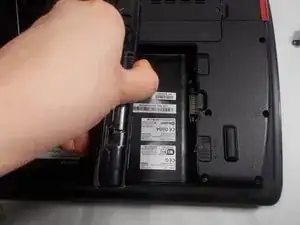
Push tab two in the opposite direction and hold it, while simultaneously lifting battery out of compartment.
-
Заключение
To reassemble your device, follow these instructions in reverse order.
