Введение
Learn how to replace your laptop's RAM.
Инструменты


-
-
Use a #1 Phillips head screwdriver to remove the screw on the middle right of the RAM's cover panel.
-
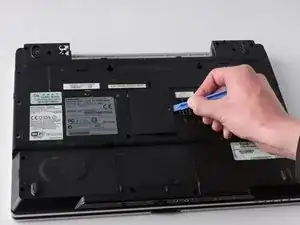
Then, use a the blue iFixit Opening Tool to pry the cover panel off.
-
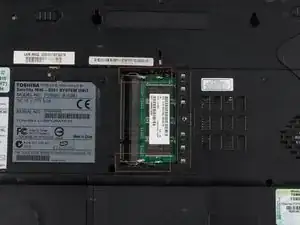
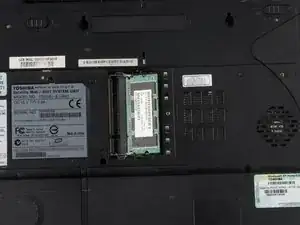
Push on to the RAM tabs to disconnect the RAM form the device.
-
The RAM will pop off from the socket. Gently pull the RAM out of the socket.
-
Заключение
To reassemble your device, follow these instructions in reverse order.
