Введение

Broken power button? Just want to mess with it? Here's a guide for that.

Инструменты

  1. wE5iJMFnb6QkYavu
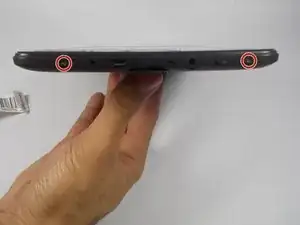
    • Using a Philips screwdriver, remove the two 2.44 mm screws from the back plate of the tablet.

  2. AJWMBgYDXFy1HKoK
    AJWMBgYDXFy1HKoK
    Tx3DCGpHUOE2ACJI
    SNHmFDIrtueToyUW
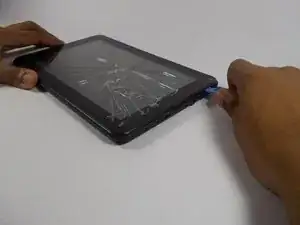
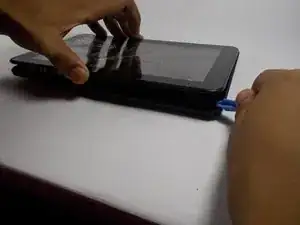
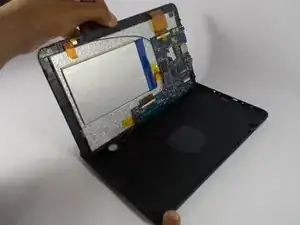
    • Using a plastic opening tool, pry the back cover from the screen.

    • Gently separate the two sides.

  3. bPO23AVVaoILrESd
    bPO23AVVaoILrESd
    2trCtxtwixj1txQa
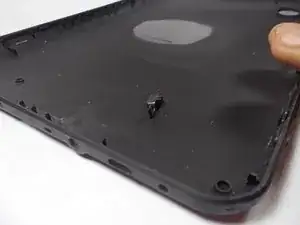
    • Push on the old power button to remove it and install the new power button.

    • There are no wires connecting the power button to the device. It should come away easily.

Заключение

To reassemble your device, follow these instructions in reverse order.

Alisha Soriano

Участник c: 25/03/15

287 Репутация

0 комментариев