Введение
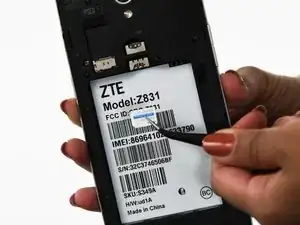
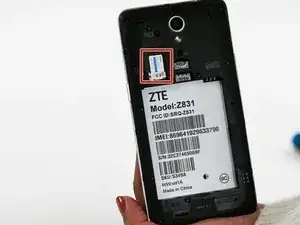
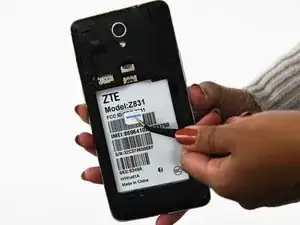
This guide will show you how to access and remove the MicroSD card in your ZTE Maven 2 (model Z831). The MicroSD is a memory card that stores information on the phone. It may need to be removed or replaced for issues with storage capacity.


-
-
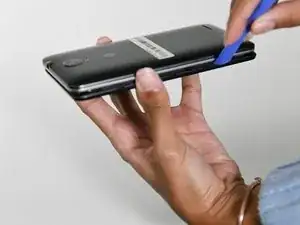
Pry off the back cover by inserting an opening tool into the small space on the bottom left between the phone's cover and body.
-
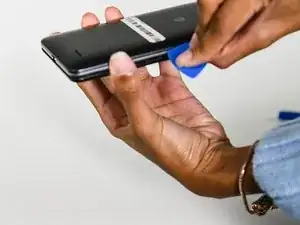
Work your way around the phone with an opening pick to loosen the rest of the back cover.
-
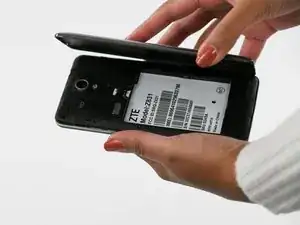
Remove the cover.
-
Заключение
To reassemble your device, follow these instructions in reverse order.