Введение
Инструменты

-
-
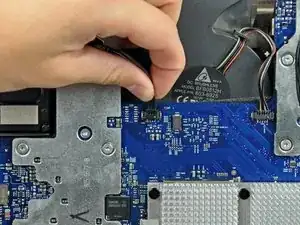
Disconnect the hard drive thermal sensor from the logic board by pulling its connector toward the top edge of your iMac.
-
-
-
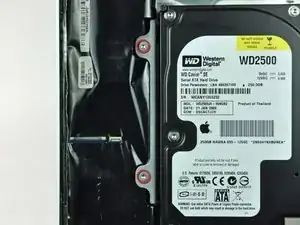
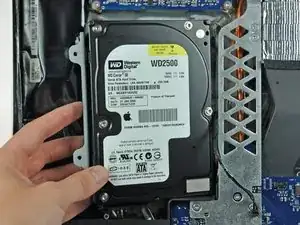
Rotate the hard drive out of the rear case.
-
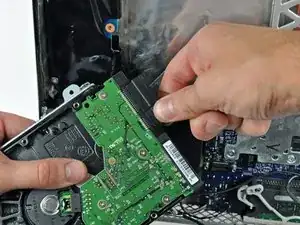
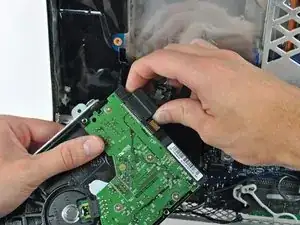
Disconnect the SATA data cable by pulling its connector away from the hard drive.
-
-
-
Disconnect the SATA power cable by pulling its connector away from the hard drive.
-
Remove the hard drive from the iMac.
-
Заключение
To reassemble your device, follow these instructions in reverse order.