Введение
Prereq only.


-
-
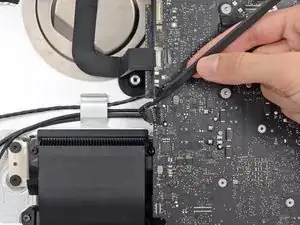
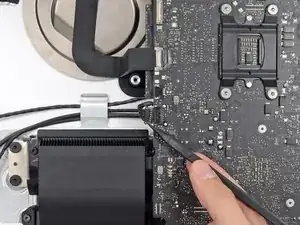
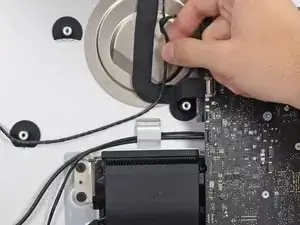
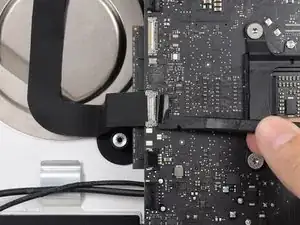
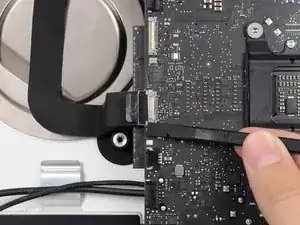
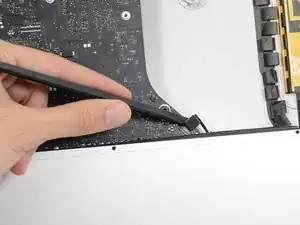
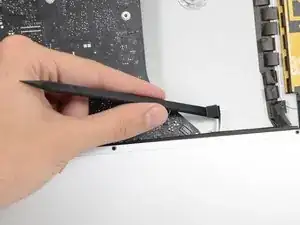
Push on each side of the left speaker cable connector with the tip of a spudger and gently "walk" it out of its socket.
-
-
-
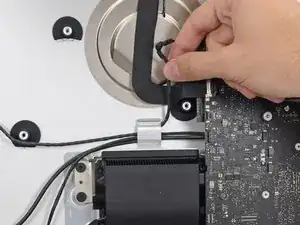
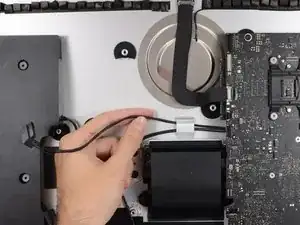
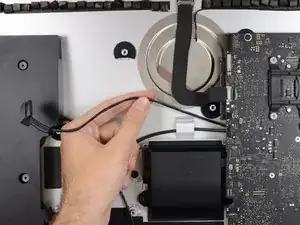
De-route the left speaker cable by pulling it straight up out of the retaining clip in the back of the rear enclosure.
-
-
-
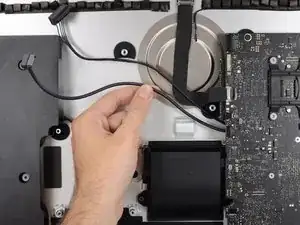
In a similar fashion as the previous step, de-route the SATA data and power cables up out of the retaining clip.
-
-
-
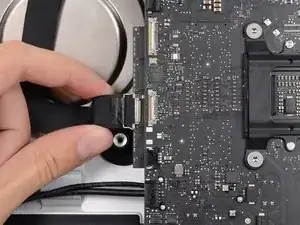
Use the flat edge of a spudger to flip up the metal retaining bracket on the iSight camera cable connector.
-
Pull the iSight camera cable straight out of its socket on the logic board.
-
-
-
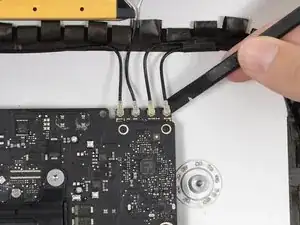
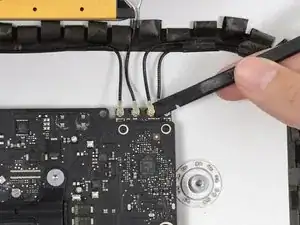
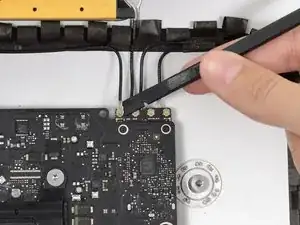
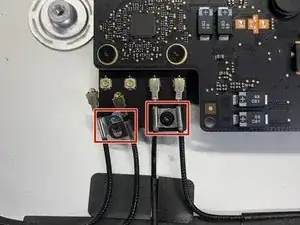
Use the flat edge of a spudger to disconnect each of the four antenna connectors from the AirPort/Bluetooth card.
-
-
-
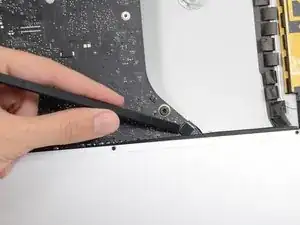
Use the flat edge of a spudger to pry the headphone jack cable connector from its socket on the logic board.
-
-
-
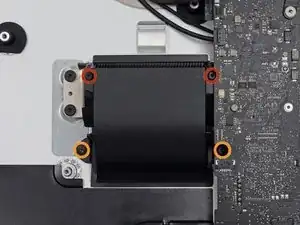
Remove the following screws securing the exhaust duct to the rear enclosure:
-
Two 6.3 mm T8 screws
-
Two 4.7 mm T8 screws
-
-
-
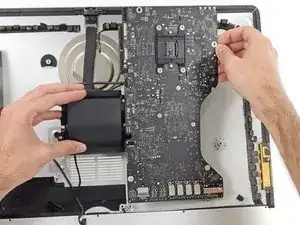
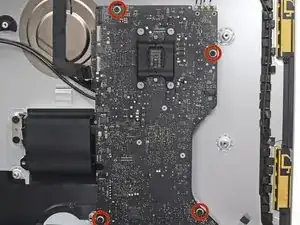
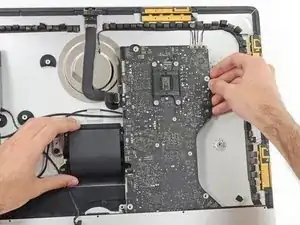
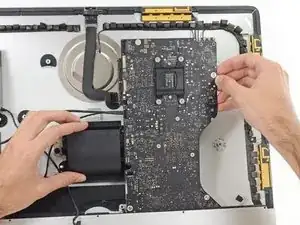
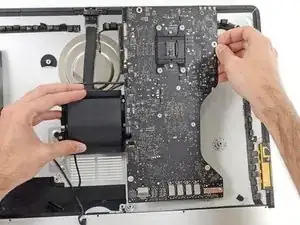
Tilt the top of the logic board away from the rear enclosure.
-
Lift the logic board straight up and out of the iMac.
-
To reassemble your device, follow these instructions in reverse order.

As noted in the right speaker cable section, the two corners of the connector are latches that need to be pushed toward the center of the connector to release. This is easily done with the pointed end of the spudger. Once the two corner latches are released, the connector comes apart easily.
Fred Heineman -